How To Enable Dynamic Steering in Netskope
Summary: The steering configuration controls what kind of traffic gets steered to Netskope for real-time deep analysis.
This article applies to
This article does not apply to
This article is not tied to any specific product.
Not all product versions are identified in this article.
Instructions
Affected Products:
- Netskope
Affected Versions:
- v63 and Later
Netskope Secure Web Gateway enables you to govern web usage and provide a safe experience for your users with comprehensive web classification and content filtering. By steering web traffic through Netskope, you can distill web activity into user sites, page visits, and other web activities in order to analyze usage and protect your enterprise.
- In a web browser, go to the Netskope web console:
- United States Datacenter: https://[TENANT].goskope.com/
- European Union Datacenter: https://[TENANT].eu.goskope.com/
- Frankfurt Datacenter: https://[TENANT].de.goskope.com/
Note: [TENANT] = The tenant name in your environment
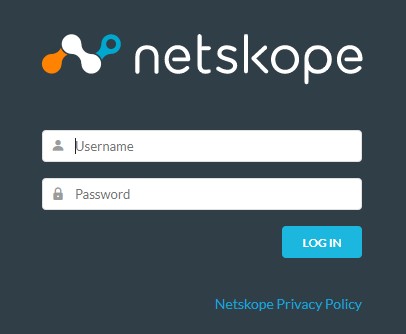
- Log in to the Netskope web console.
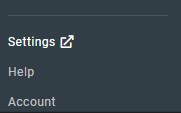
- Click Settings.
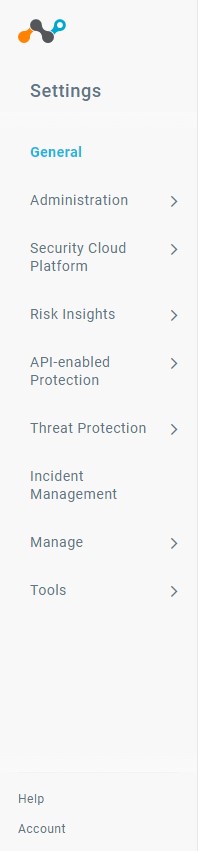
- Click Security Cloud Platform.
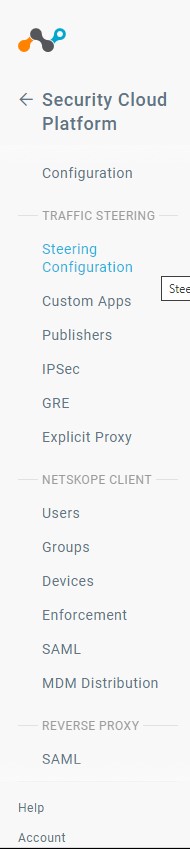
- Click Steering Configuration.
- On the Steering Configuration page, click Edit.

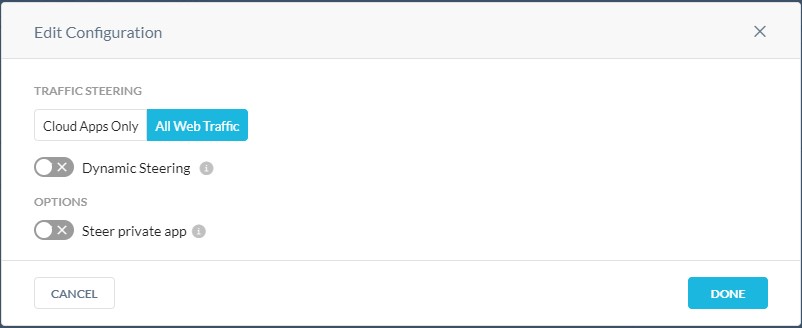
- On the Edit Configuration dialog, ensure that All Web Traffic is selected and then click the Toggle option next to Dynamic Steering to enable it.
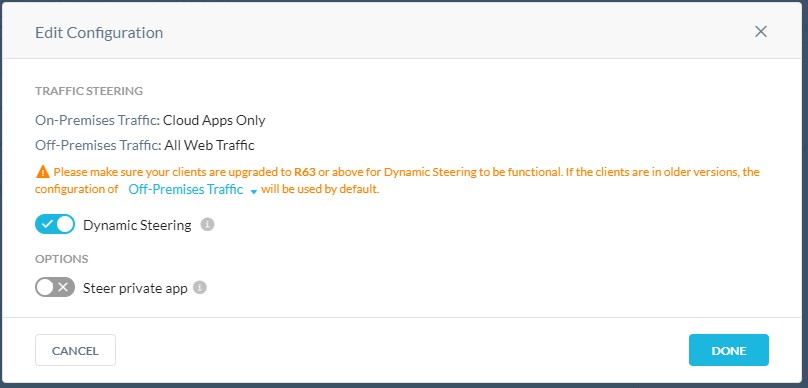
- Once Dynamic Steering is enabled, the Edit Configuration page refreshes. Click Done to save the changes.
- Dynamic Steering is now enabled for your Netskope environment.
To contact support, reference Dell Data Security International Support Phone Numbers.
Go to TechDirect to generate a technical support request online.
For additional insights and resources, join the Dell Security Community Forum.
Affected Products
NetskopeArticle Properties
Article Number: 000180640
Article Type: How To
Last Modified: 09 Dec 2024
Version: 8
Find answers to your questions from other Dell users
Support Services
Check if your device is covered by Support Services.