Avamar:從 Dell 支援尋找並下載 Hotfix、修補程式、安裝或升級套件
Summary: 本文引導讀者瞭解如何尋找和下載 Avamar 產品修補程式、修補程式、安裝和升級套裝。
This article applies to
This article does not apply to
This article is not tied to any specific product.
Not all product versions are identified in this article.
Instructions
初步步驟:
- 按一下 Dell 支援,前往 Avamar 產品的 Dell 支援網站。
- 使用您的 Dell 登入資料登入支援網站:
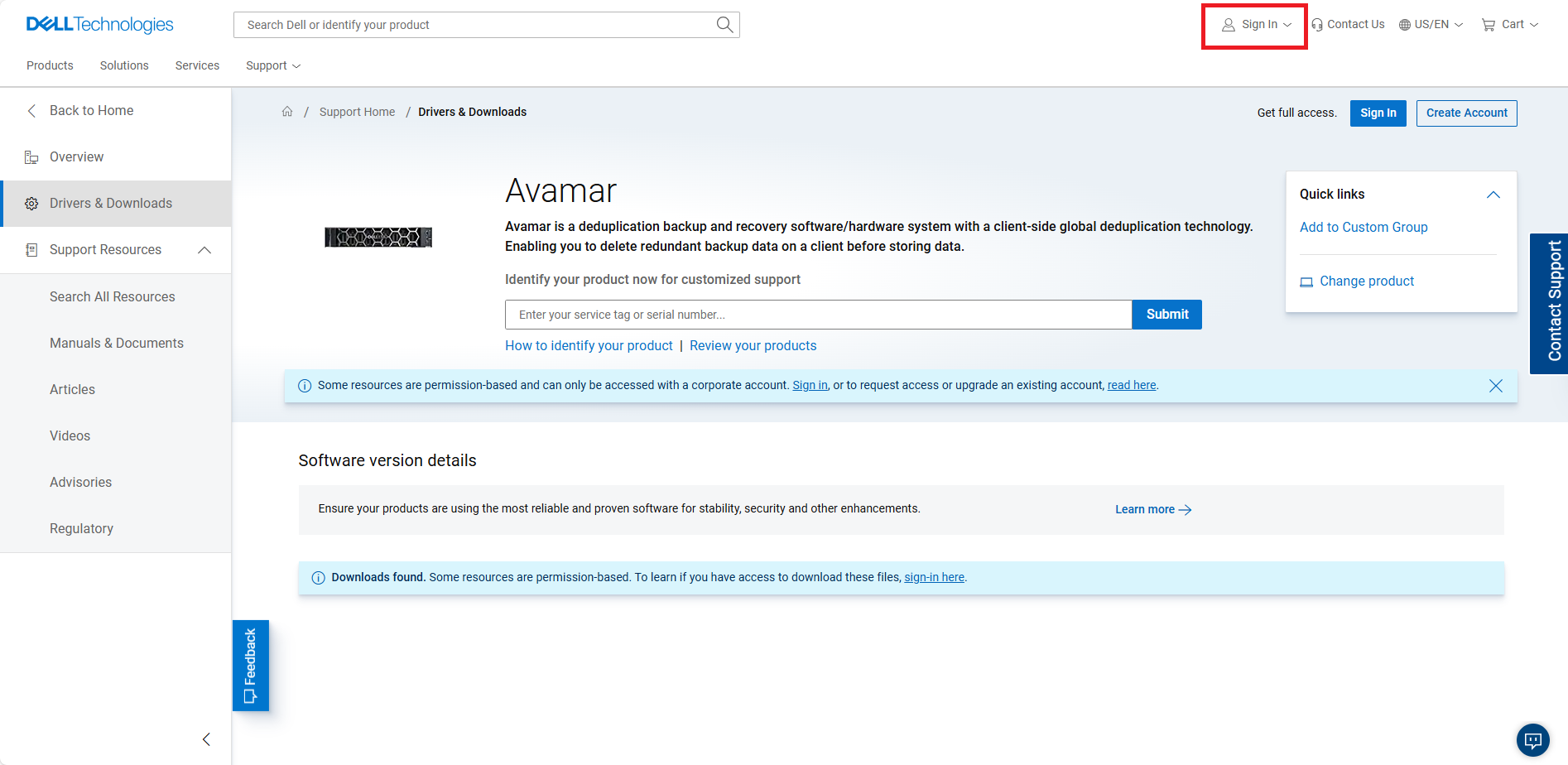
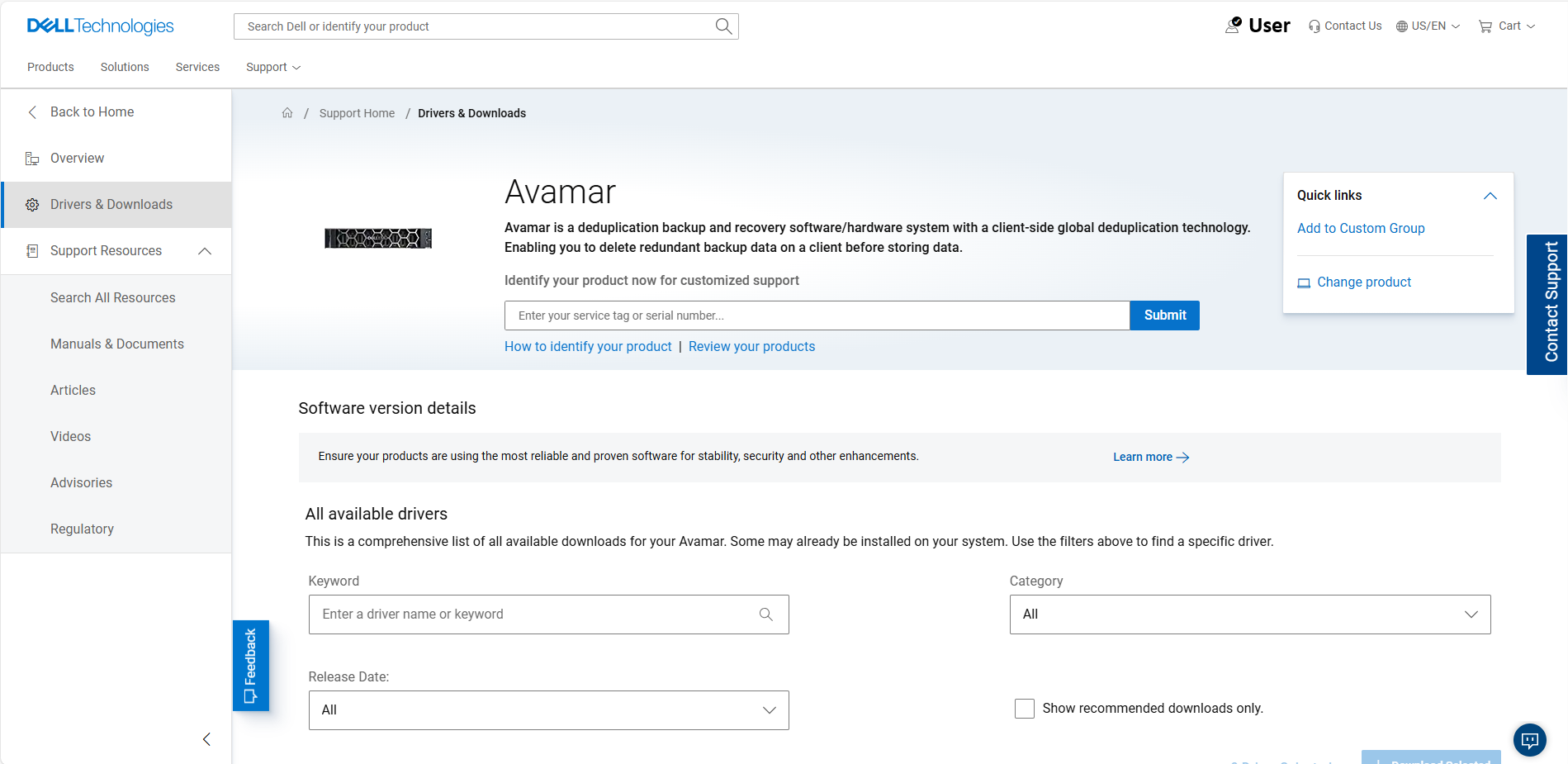
- 請根據您的方案執行以下步驟之一:
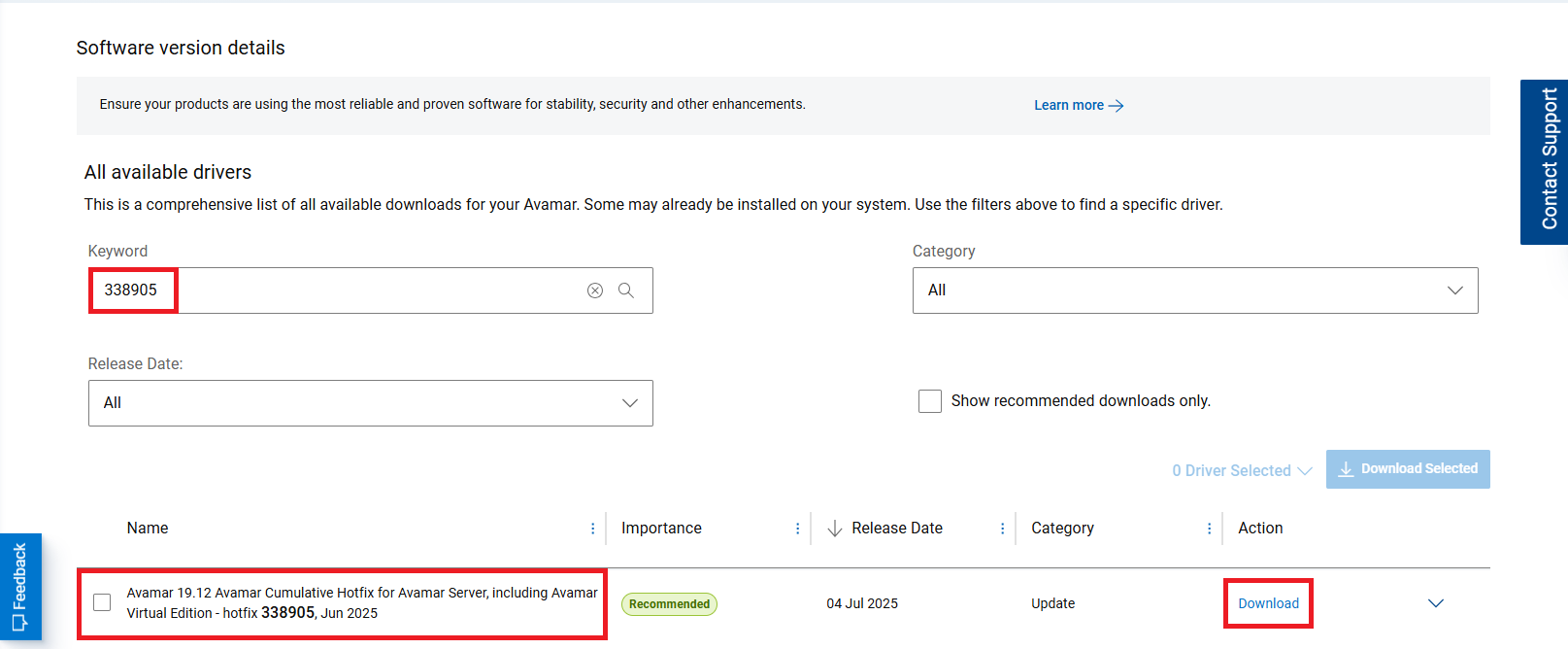
如果知道修補程式號碼,請按該號碼搜尋:
- 在關鍵字欄位中輸入 hotfix 號碼,查看結果,然後按下「下載」。
範例:
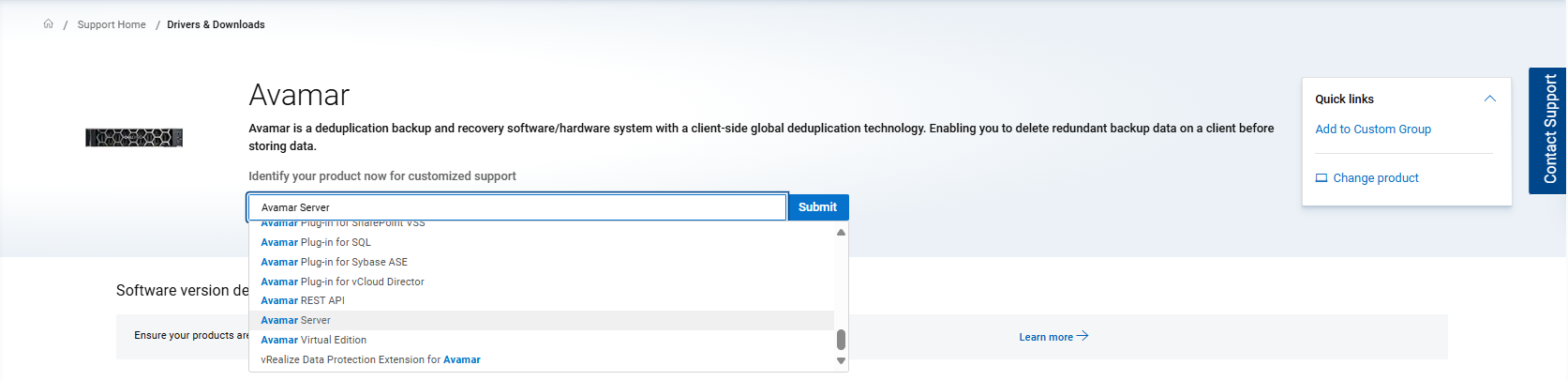
如果知道套件名稱,請按該名稱搜尋:
- 從下拉式功能表中選取 Avamar Server,按一下 提交,然後 繼續
範例:
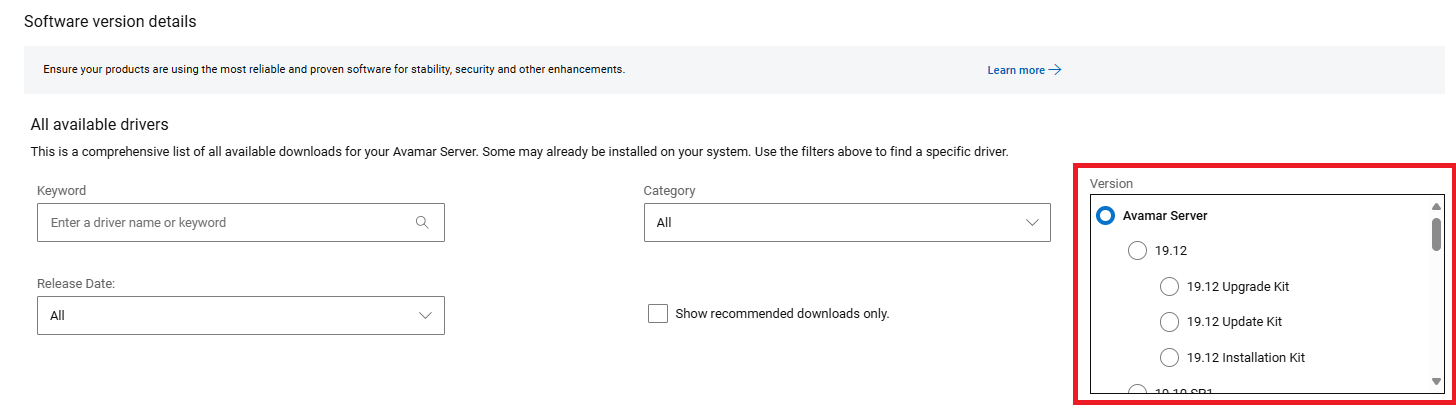
注意:或者,您也可以根據 Avamar 版本 編號篩選,如下所示:
範例:
- 在關鍵字欄位中輸入套件名稱:
範例:
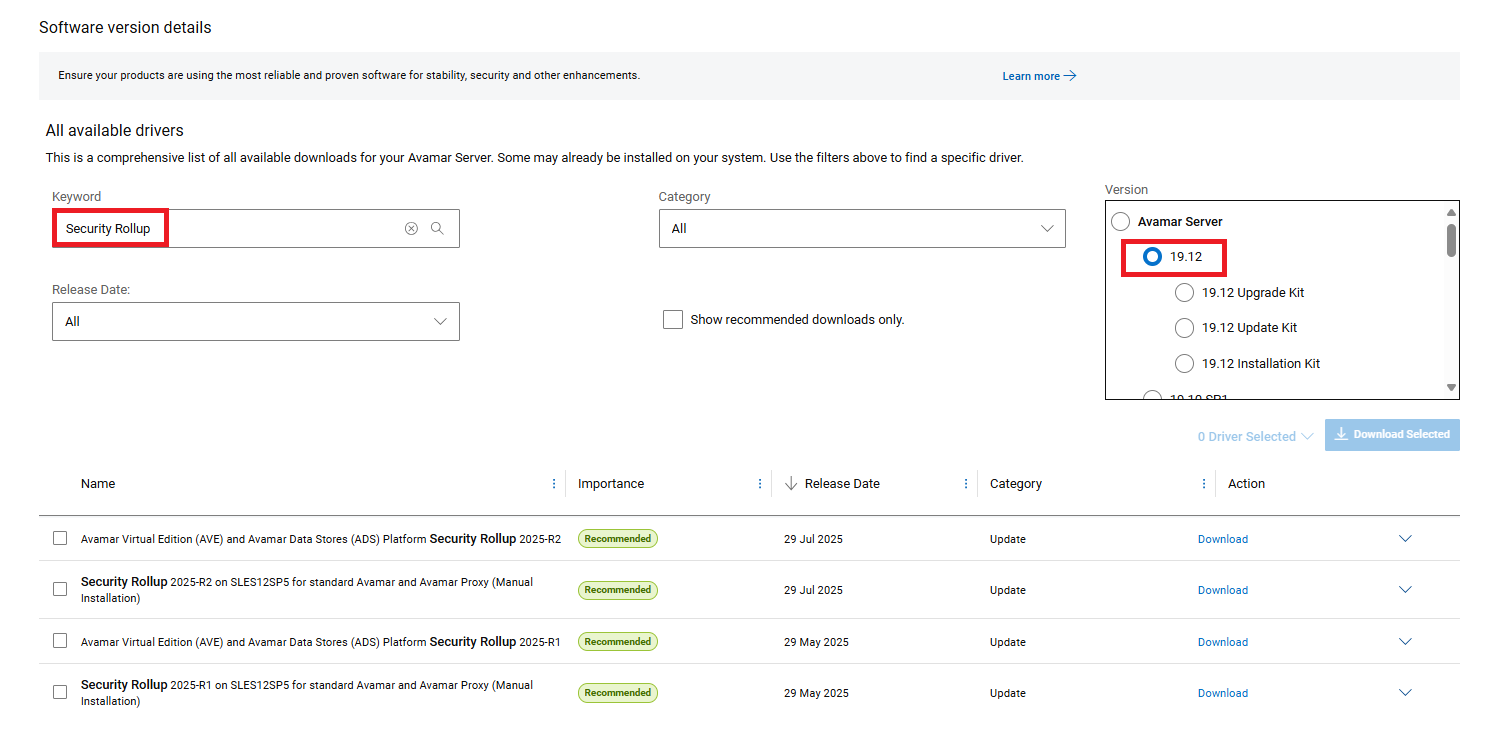
如果找不到套件,請聯絡 Dell 支援團隊。
注意:
- 如需使用 Dell 支援連結,您必須使用 Dell 支援登入資料登入,才能搜尋和下載項目。
- 這些步驟僅適用於 Avamar 產品。
Affected Products
AvamarArticle Properties
Article Number: 000212375
Article Type: How To
Last Modified: 17 Nov 2025
Version: 14
Find answers to your questions from other Dell users
Support Services
Check if your device is covered by Support Services.