PowerStore: Pre-Upgrade Health Check (PUHC) detects non-redundant power supply
Summary: The Pre-Upgrade Health Check (PUHC), in the health check package, detects non-redundant power supplies.
This article applies to
This article does not apply to
This article is not tied to any specific product.
Not all product versions are identified in this article.
Symptoms
The PUHC checks if the power supplies for the cluster are redundant.
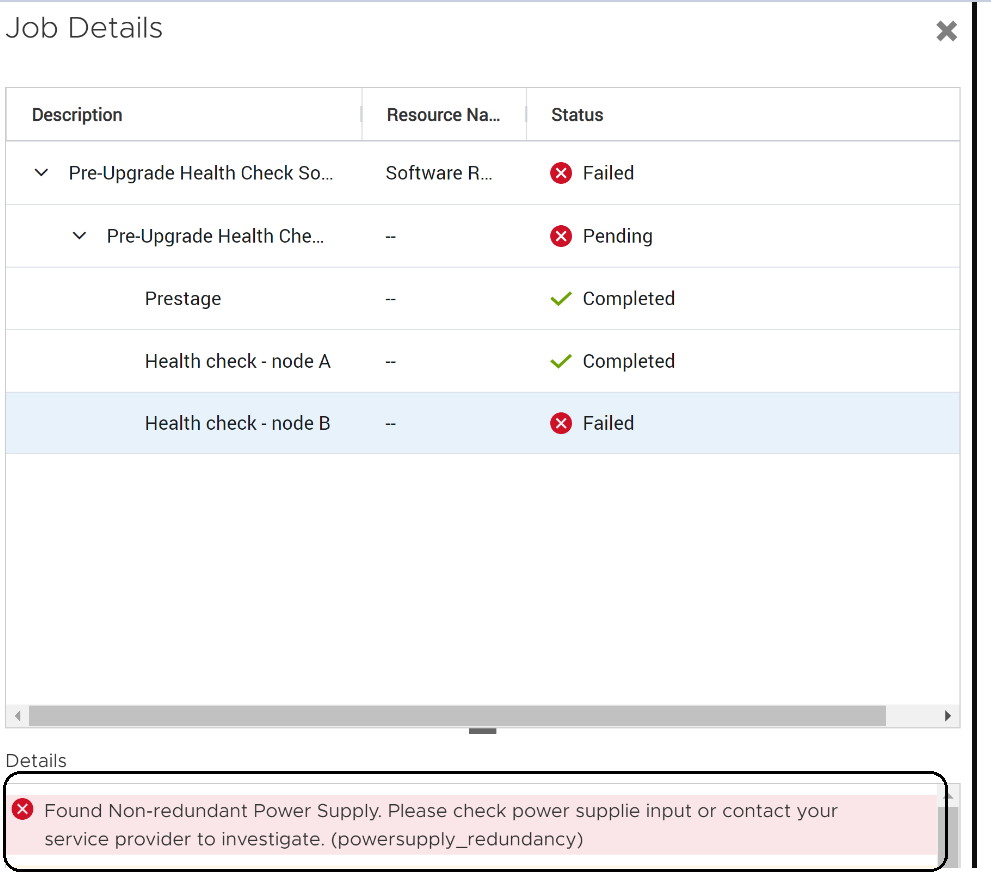
If a non-redundant power supply is detected, the following message is displayed "Found Non-redundant Power Supply. Please check power supplie input or contact your service provider to investigate. (powersupply_redundancy)".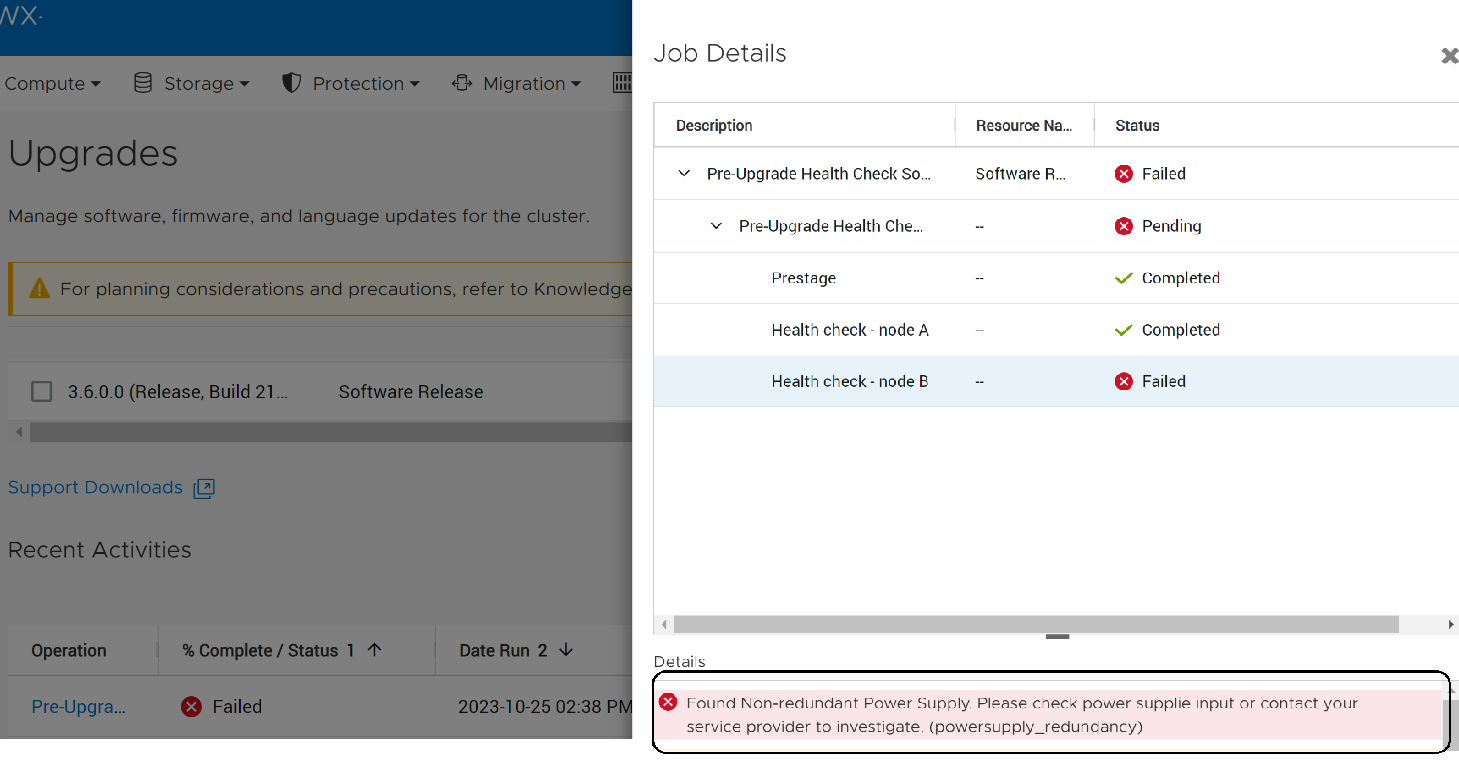
Cause
There are various possible reasons such as a problem in the PDU's that supply power to the power supply, disconnected cable, etc.
Resolution
If this issue is detected:
- Check for alerts on the power supplies.
- Check that both of the input power to the power supply are fully functioning.
-
Contact Dell Technical Support for assistance.
NDU will fail if attempted when there is a failed power supply.
Additional Information
KB 000192601 PowerStore: How to Check the Health of the Cluster Before Software Upgrade Using Pre-Upgrade Health Check and System Check.
KB 000214752 PowerStore: Landing Page for In Market (off-release) System Health Checks is a public facing KB with a listing of all the health checks.
KB 000214752 PowerStore: Landing Page for In Market (off-release) System Health Checks is a public facing KB with a listing of all the health checks.
Affected Products
PowerStoreArticle Properties
Article Number: 000214821
Article Type: Solution
Last Modified: 04 Dec 2025
Version: 4
Find answers to your questions from other Dell users
Support Services
Check if your device is covered by Support Services.