PowerStore: A Pre-Upgrade Health Check assesses if a PowerStore500T with an NVMe expansion enclosure (ENS24) has sufficient number of DPE of drives
Summary: A Pre-Upgrade Health Check (PUHC) assesses if a PowerStore500T with an NVMe expansion enclosure (ENS24) possesses enough of DPE drives.
Symptoms
The PowerStore health check (PUHC) may fail the dpe_drive_check validation, with the following error:
Insufficient number of drives is detected in BaseEnclosure. Error code: 0xE1005002050E
The health check is an off-release PUHC check that is contained in the Health Check thin package; see Additional Info section for information about the Health Check thin package.
This may be detected when running the PUHC: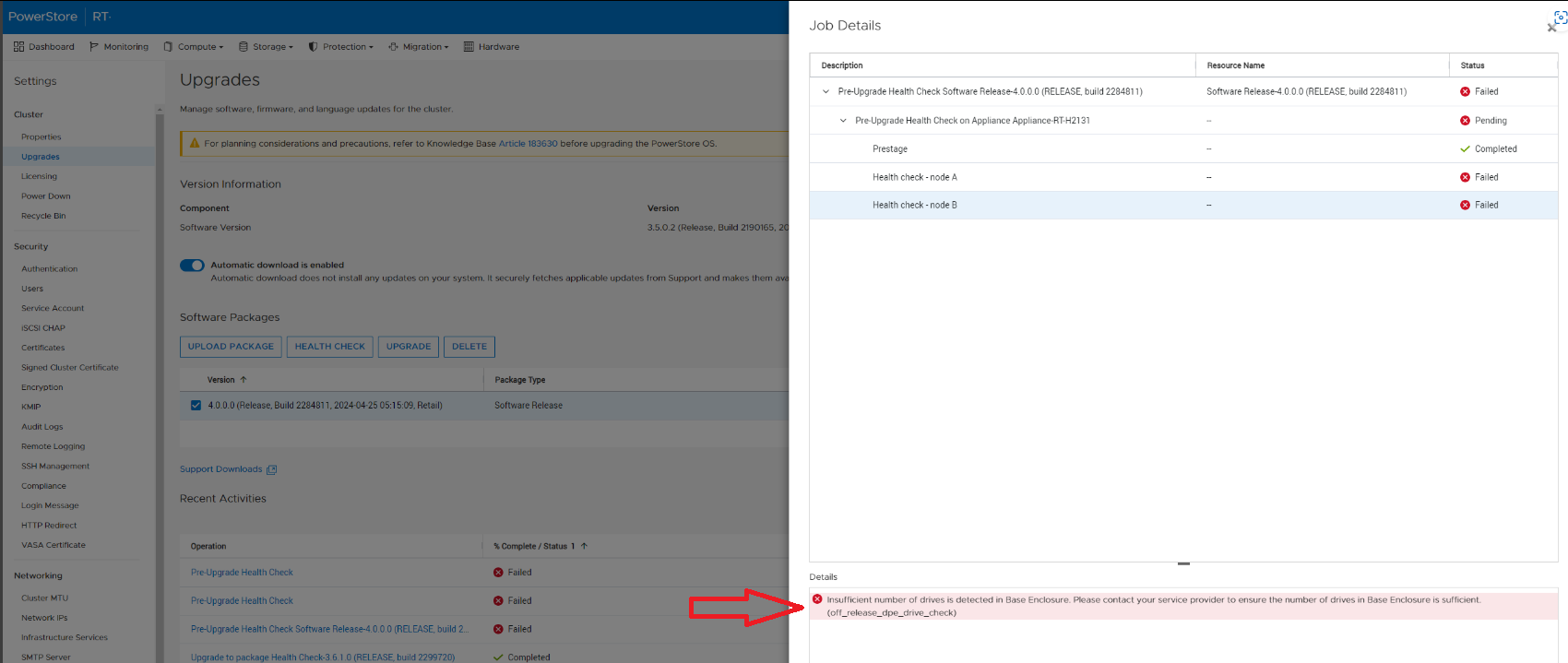
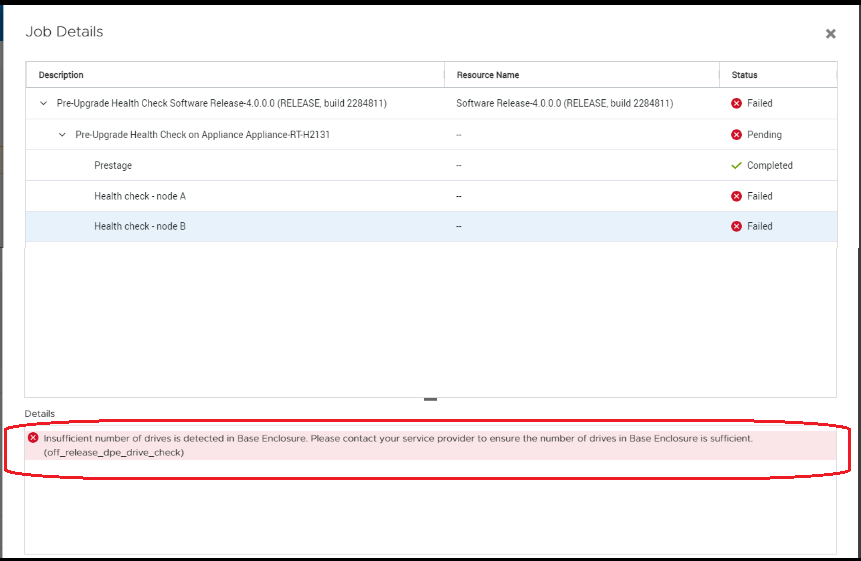
Cause
A DPE that is not fully populated can result in a data unavailability condition issue after upgrading to version 4.0. The PUHC check fails if there are fewer than 20 drives present.
Resolution
Ensure to add drives to the DPE prior to upgrading in order to increase the total number of drives to 20 or more.
Additional Information
KB 000214752 PowerStore: Landing Page for In Market (off-release) System Health Checks lists all the health checks in the Health Check thin package.