PowerFlex 4.X: How to add user, create or modify credentials for subcomponents from PFMP
Summary: This article explains how to create or modify credentials for sub-components from the PowerFlex Manager Platform (PFMP)
Instructions
The steps below are for updating the iDRAC password.
-
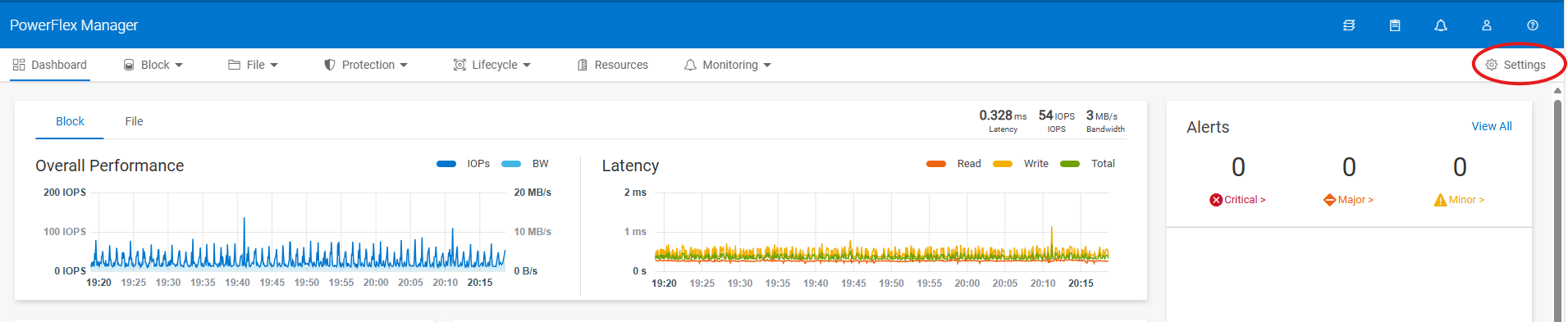
Open PowerFlex Manager and go to Settings
-
Under security, choose Resource Credentials

-
Choose Create for new Credentials or select Modify to update an existing credential.

-
Choose the credential type from the drop-down list and enter the Credentials Name, User Name, and Password, then click Save
For iDRAC, choose the type: Node
-
To apply the Credentials to the required nodes, Go to Resources, select one or more Nodes to apply the new credentials to it and click Update Password

-
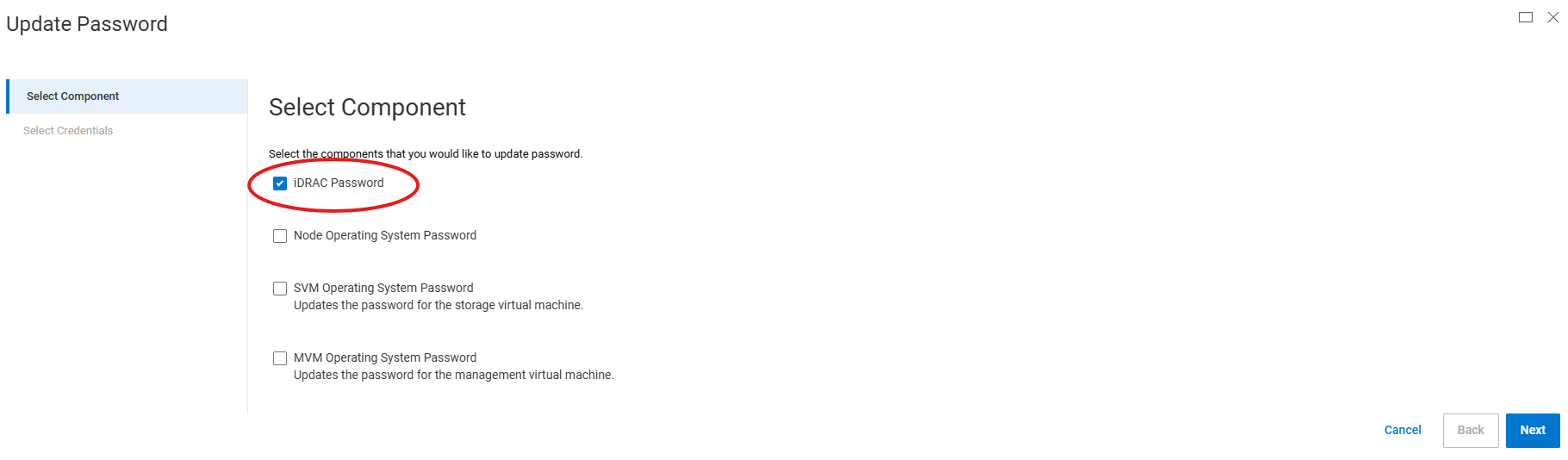
On the next page, choose iDRAC Password (or else choose the other password type you want to update)
-
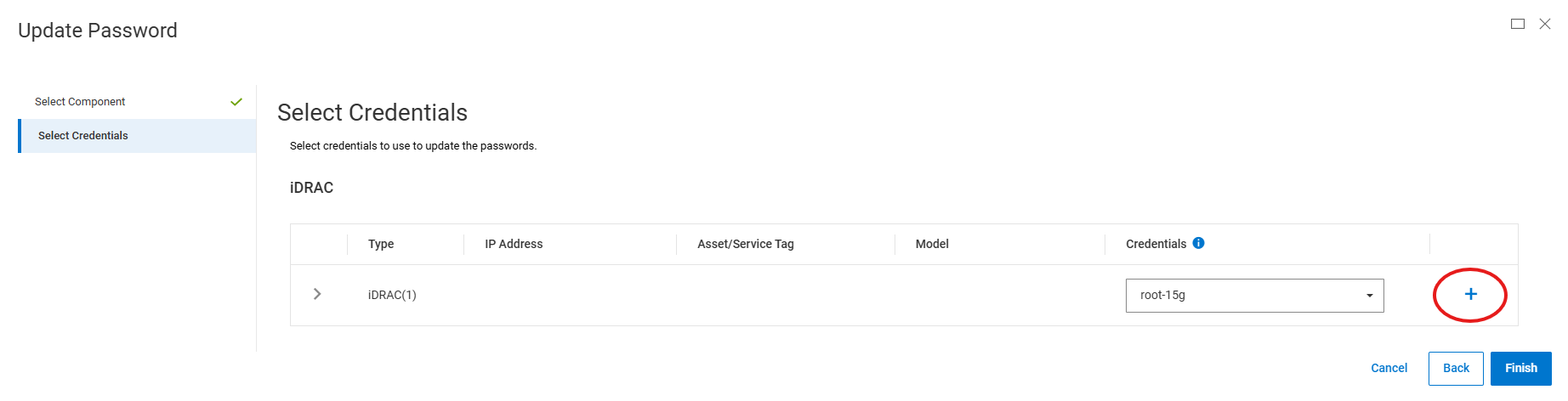
On the next page, choose from the drop-down list the Credentials name you choose in step 4 and click finish
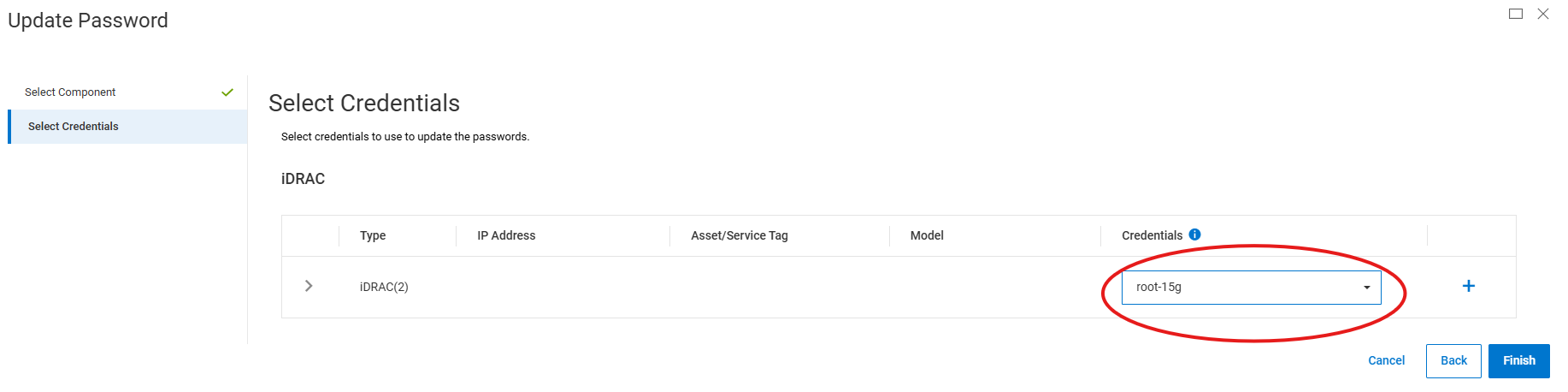
Alternatively, for creating new credentials instead of steps 1 to 4, you can click the plus sign (+) in steps 7 to create new credentials.