PowerVault ME5: How to Shutdown or Restart a Controller.
Summary: Restarting controller processors can be required by a configuration change or to resolve an operational problem. Shutting down controller processors is recommended before either removing a controller module from its enclosure or powering off its enclosure for maintenance or a move. ...
This article applies to
This article does not apply to
This article is not tied to any specific product.
Not all product versions are identified in this article.
Instructions
Caution: Shutting down or restarting a controller processor stops I/O to hosts and may cause service disruption. In a single-controller system, I/O to hosts will be unavailable until the controller is back online. In your dual-controller system, I/O to hosts continue on the partner controller if the mapping configuration and multipath are properly set. I/O to hosts is also unavailable if both controllers are shutdown/restarted simultaneously. A complete controller restart usually takes approximately 2-5 minutes.
Procedure
- Log in to PowerVault Manager
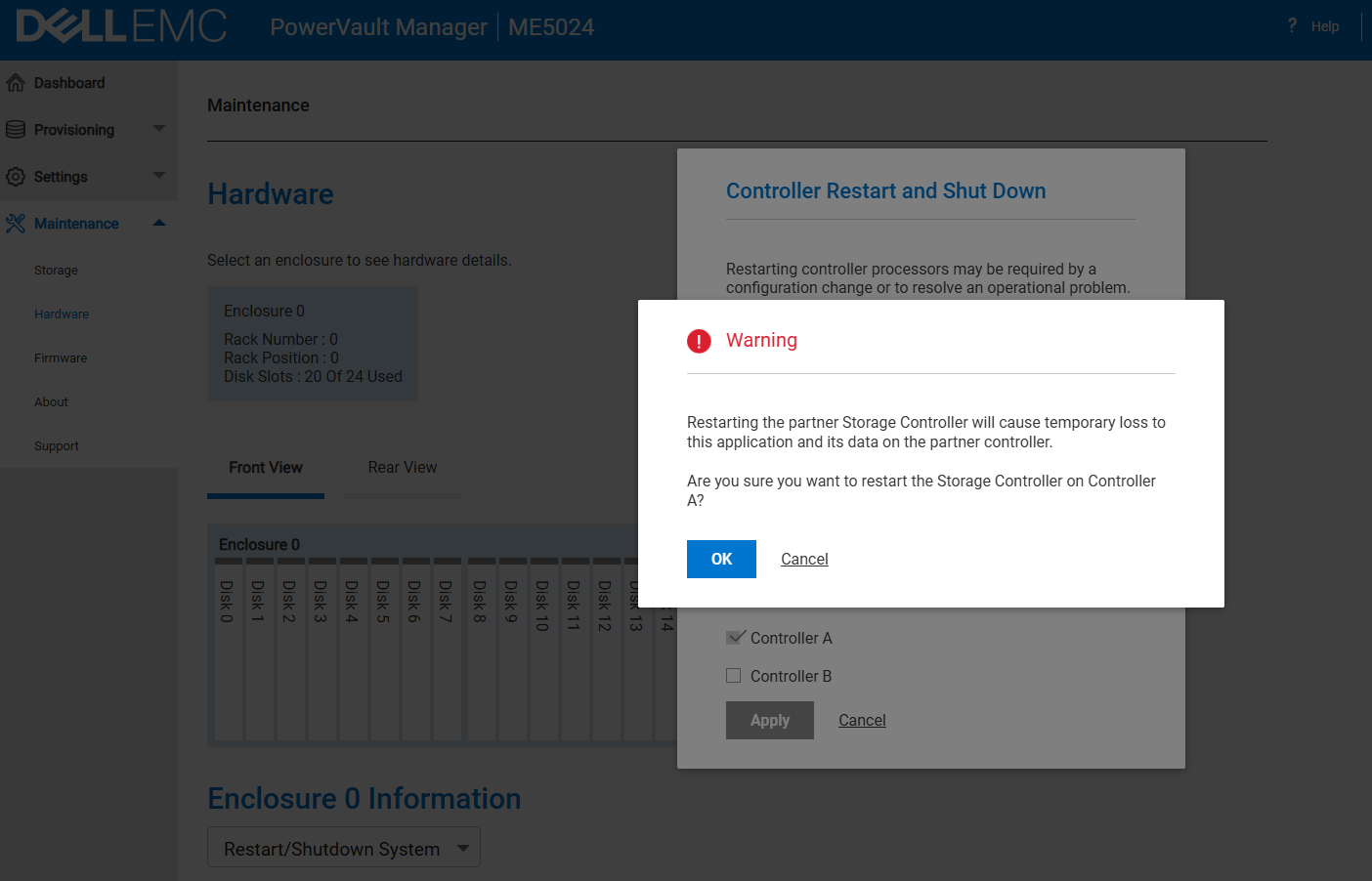
- Go to Maintenance > Hardware
- Under Enclosure > Actions select Restart/Shutdown System
- To shutdown controller, select Shutdown SC operation
To restart controller, select Restart SC operation - Select the controller module to shutdown/restart: A, B, or both
- Click Apply. A confirmation panel appears
- Click Yes to continue; a message describes shutdown/restart activity
Using the CLI
- Log in to the CLI
- In your dual-controller system, verify that the partner controller is online by running the command:
- show controllers
- To shut down controller—A or B run the command:
- "shutdown a" or "shutdown b"
- To restart controller—A or B run the command:
- "restart sc a" or "restart sc b"

Additional Information
Affected Products
ME SeriesProducts
PowerVault ME5012, PowerVault ME5024, PowerVault ME5084, PowerVault ME5212, PowerVault ME5224, PowerVault ME5284Article Properties
Article Number: 000393532
Article Type: How To
Last Modified: 01 Dec 2025
Version: 2
Find answers to your questions from other Dell users
Support Services
Check if your device is covered by Support Services.