Dell Unity:認可 I/O 模組時出現錯誤「安裝 IO 模組失敗,發生認可 io 錯誤0x9000002」
Résumé: 認可 I/O 模組時出現錯誤「安裝 IO 模組失敗,且發生認可 io 錯誤0x9000002」。
Cet article concerne
Cet article ne concerne pas
Cet article n’est associé à aucun produit spécifique.
Toutes les versions du produit ne sont pas identifiées dans cet article.
Symptômes
使用者已使用客戶專用的 SolVe 程序「新增 IO 模組」來安裝兩個 10 GbE I/O 模組。認可 I/O 模組後,使用者會收到錯誤訊息:
Installation IO Module failed with commit io error 0x9000002
SPlogs 顯示:
IOModule   32002 [ERROR] User: Task <System health checks> of <22> (2) failed
IOModule   32001 [ERROR] User: The hardware configuration commit operation failed
Unisphere CLI 顯示錯誤:
uemcli /sys/task/job show

Operation failed. Error code: 0x9000002
Cannot commit the configuration because it is invalid. Insert valid SFP modules of same type into the uncommitted CNA ports or remove them from the uncommitted CNA ports, and then try again.  (Error Code:0x9000002)
Cause
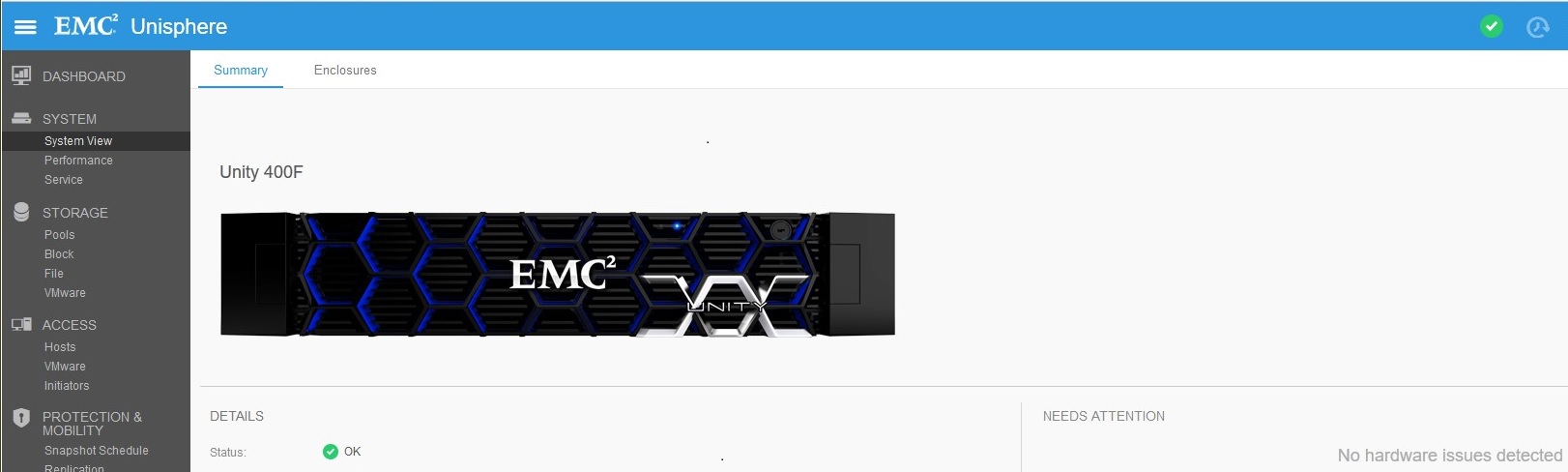
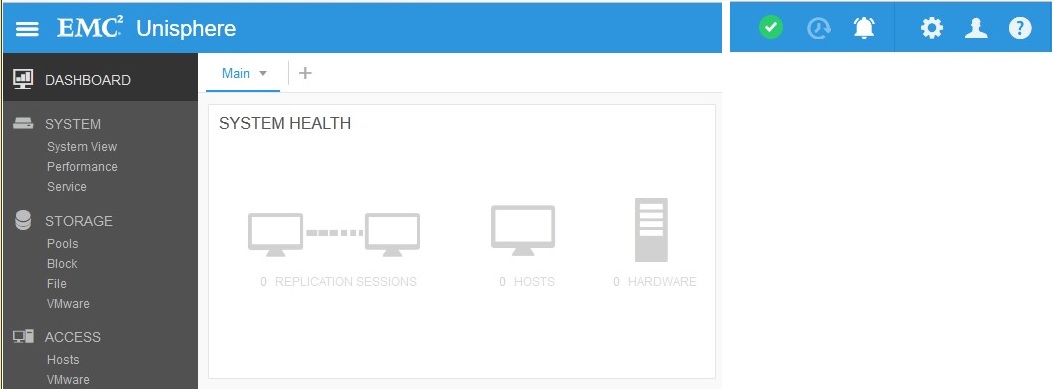
陣列最近已升級至 Falcon 4.1.1。系統檢視和系統健全狀況不會顯示任何注意狀態:
複寫連線已啟用 (升級前),但並未建立複寫。複製狀態在升級後設為「注意」:

Résolution
在「複製」下,按一下「驗證並更新」 > 連線,以從複製中移除注意狀態。複製確定後,請在系統檢視 > DPE > 認可 I/O 連接埠下方認可新的 I/O 模組。
Produits concernés
Dell EMC Unity 400FProduits
Dell EMC Unity 400F, Dell EMC Unity FamilyPropriétés de l’article
Numéro d’article: 000055174
Type d’article: Solution
Dernière modification: 17 avr. 2026
Version: 6
Trouvez des réponses à vos questions auprès d’autres utilisateurs Dell
Services de support
Vérifiez si votre appareil est couvert par les services de support.