Dell Unity:I/Oモジュールをコミットすると、「Installation IO Module failed with commit io error 0x9000002」というエラーが表示されます
Résumé: I/Oモジュールをコミットすると、「Installation IO Module failed with commit io error 0x9000002」というエラーが表示されます。
Cet article concerne
Cet article ne concerne pas
Cet article n’est associé à aucun produit spécifique.
Toutes les versions du produit ne sont pas identifiées dans cet article.
Symptômes
ユーザーは、「IOモジュールの追加」のお客様の解決手順を使用して、2つの10 GbE I/Oモジュールを取り付けました。I/Oモジュールをコミットすると、ユーザーは次のエラー メッセージを受信しました。
Installation IO Module failed with commit io error 0x9000002
SPlogsには次の情報が表示されます。
IOModule   32002 [ERROR] User: Task <System health checks> of <22> (2) failed
IOModule   32001 [ERROR] User: The hardware configuration commit operation failed
Unisphere CLIに次のエラーが表示されます。
uemcli /sys/task/job show

Operation failed. Error code: 0x9000002
Cannot commit the configuration because it is invalid. Insert valid SFP modules of same type into the uncommitted CNA ports or remove them from the uncommitted CNA ports, and then try again.  (Error Code:0x9000002)
Cause
アレイは最近、Falcon 4.1.1にアップグレードされました。[System View]と[System Health]に「Attention State」が表示されません。
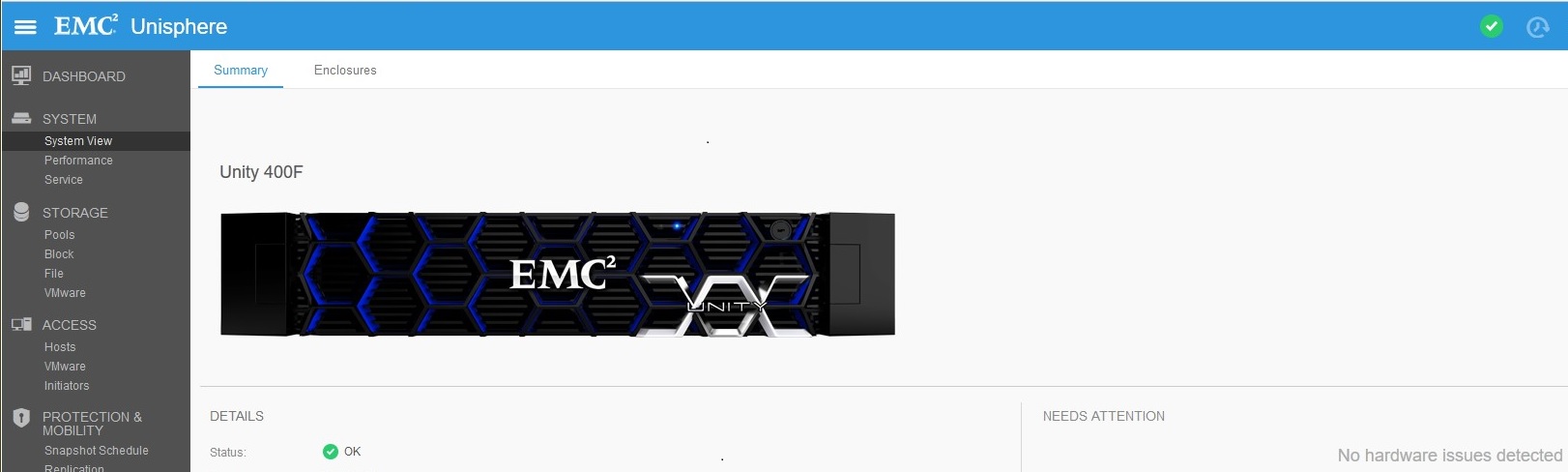
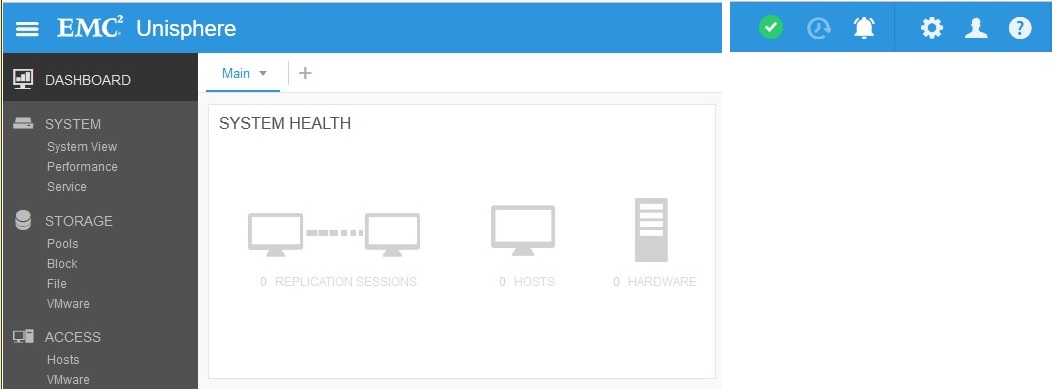
レプリケーション接続は(アップグレード前に)有効になっていますが、レプリケーションが作成されていません。アップグレード後にレプリケーションの状態が「Attention」に設定されました。

Résolution
[Replication]で、[Connection] > [Verify and Update]をクリックして、レプリケーションからアテンション状態を削除します。レプリケーションがOKになったら、[System View] > [DPE]で新しいI/Oモジュールをコミット > [Commit I/O Ports]を選択します。
Produits concernés
Dell EMC Unity 400FProduits
Dell EMC Unity 400F, Dell EMC Unity FamilyPropriétés de l’article
Numéro d’article: 000055174
Type d’article: Solution
Dernière modification: 17 avr. 2026
Version: 6
Trouvez des réponses à vos questions auprès d’autres utilisateurs Dell
Services de support
Vérifiez si votre appareil est couvert par les services de support.