Dell Unity: Error "Installation IO Module failed with commit io error 0x9000002" when committing I/O module
Résumé: Error "Installation IO Module failed with commit io error 0x9000002" when committing an I/O module.
Cet article concerne
Cet article ne concerne pas
Cet article n’est associé à aucun produit spécifique.
Toutes les versions du produit ne sont pas identifiées dans cet article.
Symptômes
User installed two 10 GbE I/O Modules using Solve Procedure for Customers "Adding IO Modules." Once committing the I/O Modules, the user received an error message:
Installation IO Module failed with commit io error 0x9000002
SPlogs show:
IOModule   32002 [ERROR] User: Task <System health checks> of <22> (2) failed
IOModule   32001 [ERROR] User: The hardware configuration commit operation failed
Unisphere CLI shows error:
uemcli /sys/task/job show

Operation failed. Error code: 0x9000002
Cannot commit the configuration because it is invalid. Insert valid SFP modules of same type into the uncommitted CNA ports or remove them from the uncommitted CNA ports, and then try again.  (Error Code:0x9000002)
Cause
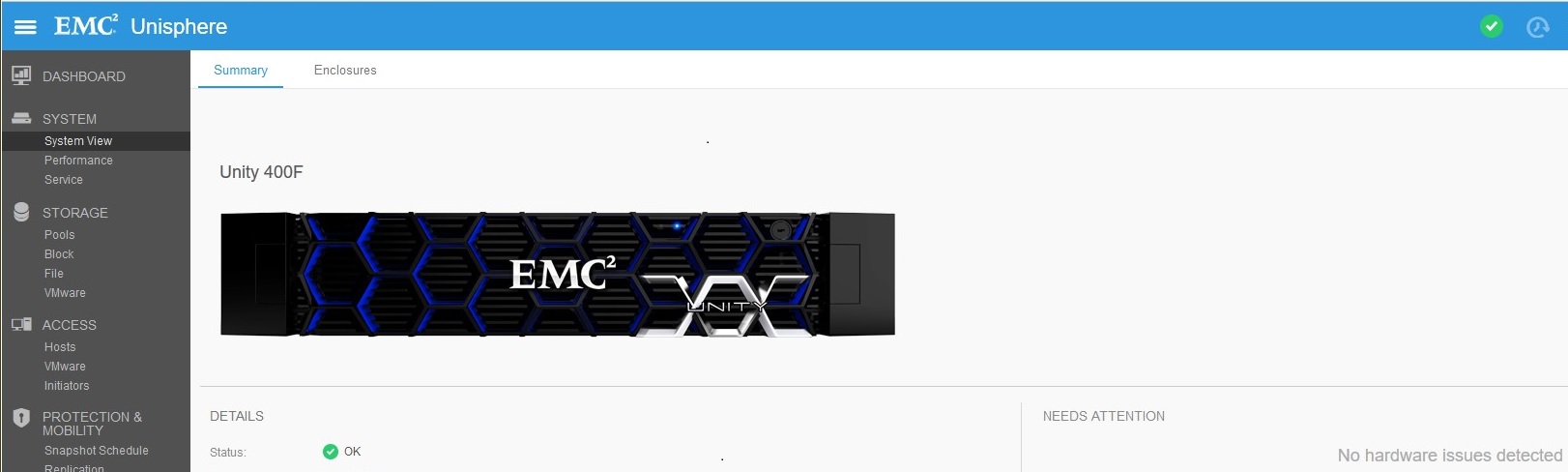
The array was recently upgraded to Falcon 4.1.1. System View and System Health do not show any Attention State:
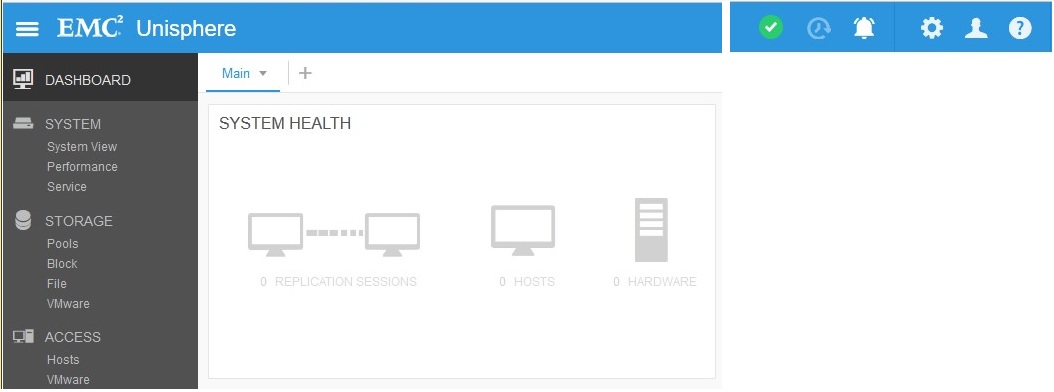
Replication connection was enabled (before upgrade) but no Replications were created. Replication state was set to "Attention" after upgrade:

Résolution
Under Replication, click "Verify and Update" > Connections to remove Attention State from Replication. Once Replication is OK, commit new I/O Modules under System View > DPE > Commit I/O Ports.
Produits concernés
Dell EMC Unity 400FProduits
Dell EMC Unity 400F, Dell EMC Unity FamilyPropriétés de l’article
Numéro d’article: 000055174
Type d’article: Solution
Dernière modification: 17 avr. 2026
Version: 6
Trouvez des réponses à vos questions auprès d’autres utilisateurs Dell
Services de support
Vérifiez si votre appareil est couvert par les services de support.