Dell Unity: I/O 모듈을 커밋할 때 "IO 모듈 설치 실패 및 IO 오류 0x9000002" 오류 발생
Résumé: I/O 모듈을 커밋할 때 "IO 모듈 설치 실패 및 IO 오류 0x9000002" 오류 발생
Cet article concerne
Cet article ne concerne pas
Cet article n’est associé à aucun produit spécifique.
Toutes les versions du produit ne sont pas identifiées dans cet article.
Symptômes
사용자가 고객의 "IO 모듈 추가"를 위한 SolVe 절차를 사용하여 2개의 10GbE I/O 모듈을 설치했습니다. I/O 모듈을 커밋하면 사용자에게 다음 오류 메시지가 표시됩니다.
Installation IO Module failed with commit io error 0x9000002
SP로그에 다음이 표시됩니다.
IOModule   32002 [ERROR] User: Task <System health checks> of <22> (2) failed
IOModule   32001 [ERROR] User: The hardware configuration commit operation failed
Unisphere CLI에 다음 오류가 표시됩니다.
uemcli /sys/task/job show

Operation failed. Error code: 0x9000002
Cannot commit the configuration because it is invalid. Insert valid SFP modules of same type into the uncommitted CNA ports or remove them from the uncommitted CNA ports, and then try again.  (Error Code:0x9000002)
Cause
어레이가 최근 Falcon 4.1.1로 업그레이드되었습니다. 시스템 보기 및 시스템 상태에는 주의 상태가 표시되지 않습니다.
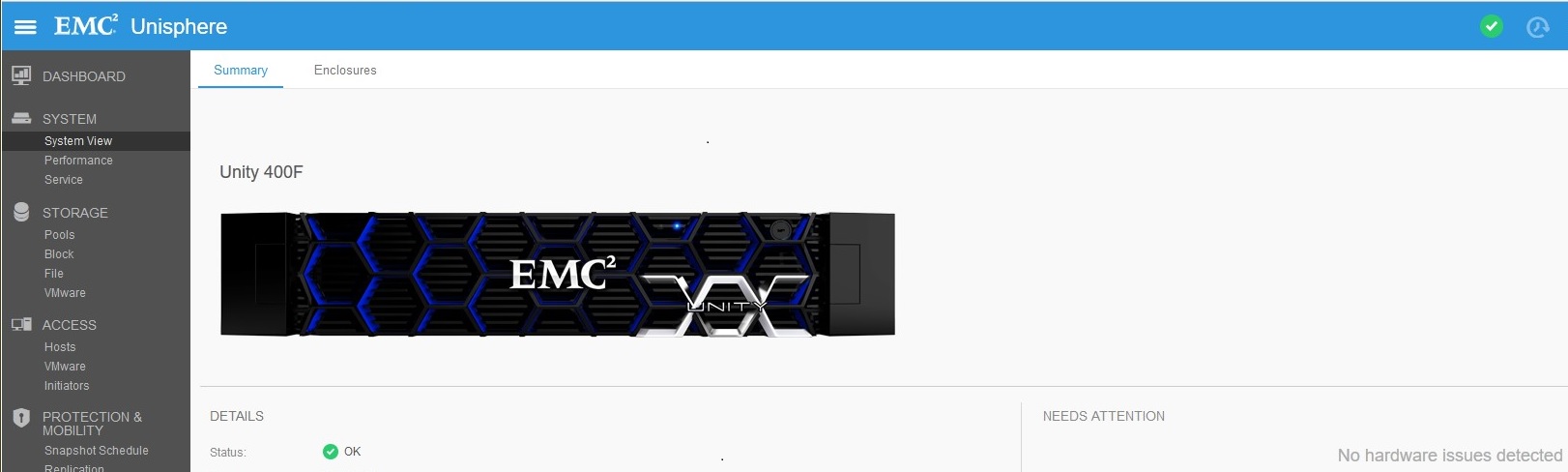
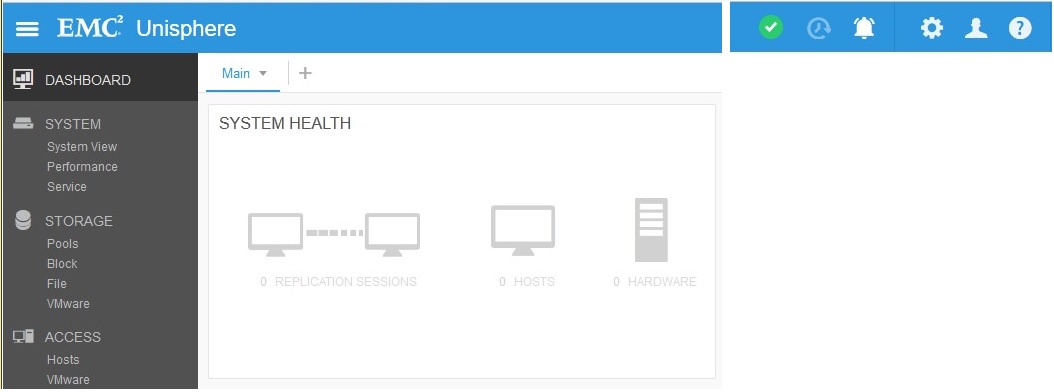
복제 연결이 활성화되었지만(업그레이드 전) 복제가 생성되지 않았습니다. 업그레이드 후 복제 상태가 "주의"로 설정되었습니다.

Résolution
Replication에서 "Verify and Update" > Connections를 클릭하여 Replication에서 Attention State를 제거합니다. Replication이 OK되면 System ViewDPECommit >> I/O Ports에서 새 I/O 모듈을 커밋합니다.
Produits concernés
Dell EMC Unity 400FProduits
Dell EMC Unity 400F, Dell EMC Unity FamilyPropriétés de l’article
Numéro d’article: 000055174
Type d’article: Solution
Dernière modification: 17 avr. 2026
Version: 6
Trouvez des réponses à vos questions auprès d’autres utilisateurs Dell
Services de support
Vérifiez si votre appareil est couvert par les services de support.