Dell Unity: Fout "Installatie IO-module mislukt met commit io-fout 0x9000002" bij het doorvoeren van de I/O-module
Résumé: Fout "Installation IO Module failed with commit io error 0x9000002" bij het doorvoeren van een I/O-module.
Cet article concerne
Cet article ne concerne pas
Cet article n’est associé à aucun produit spécifique.
Toutes les versions du produit ne sont pas identifiées dans cet article.
Symptômes
De gebruiker heeft twee 10 GbE I/O-modules geïnstalleerd met behulp van de Solve-procedure voor klanten "Adding IO Modules". Na het doorvoeren van de I/O-modules ontvangt de gebruiker een foutmelding:
Installation IO Module failed with commit io error 0x9000002
SPlogs tonen:
IOModule   32002 [ERROR] User: Task <System health checks> of <22> (2) failed
IOModule   32001 [ERROR] User: The hardware configuration commit operation failed
Unisphere CLI geeft foutmelding:
uemcli /sys/task/job show

Operation failed. Error code: 0x9000002
Cannot commit the configuration because it is invalid. Insert valid SFP modules of same type into the uncommitted CNA ports or remove them from the uncommitted CNA ports, and then try again.  (Error Code:0x9000002)
Cause
De array is onlangs geüpgraded naar Falcon 4.1.1. De systeemweergave en de systeemstatus geven geen attentiestatus weer:
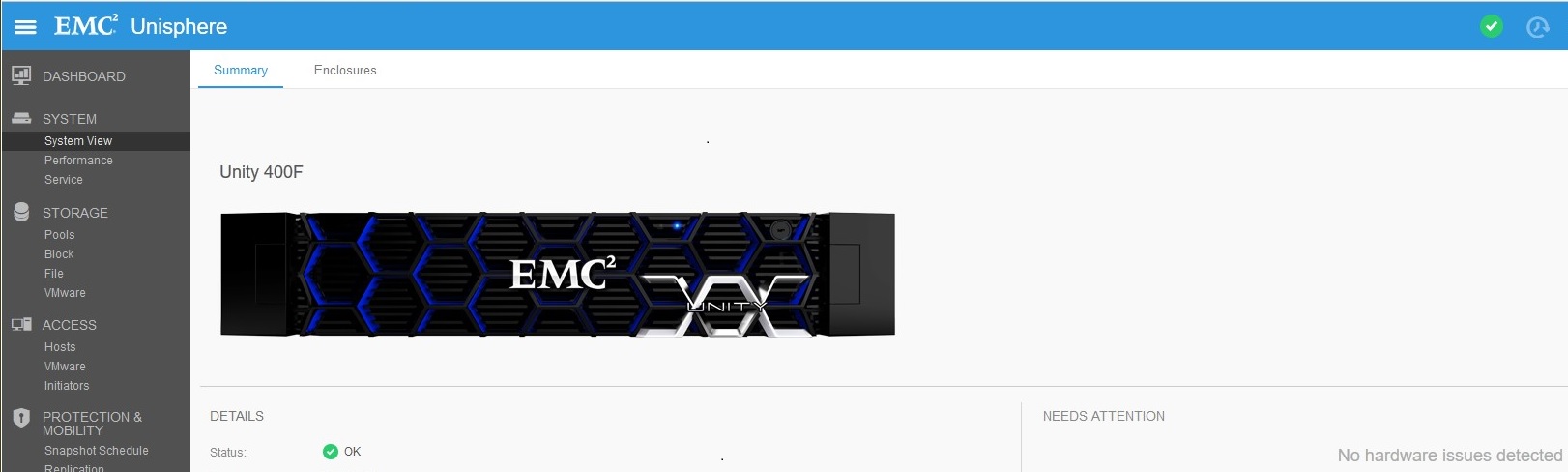
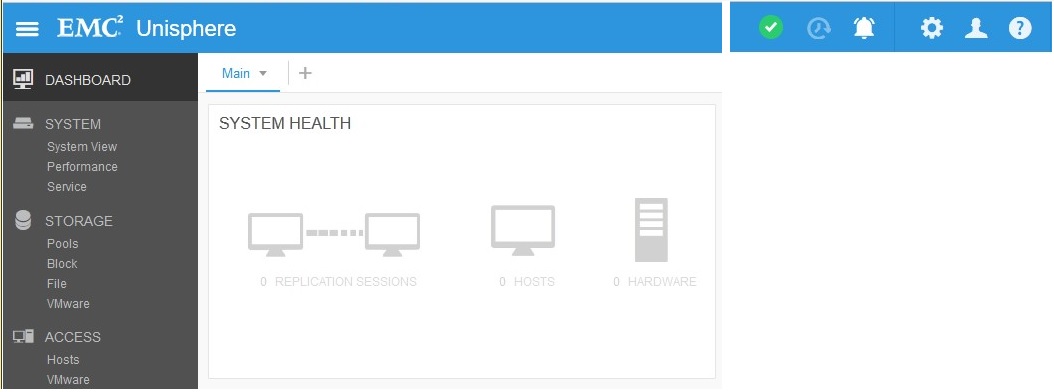
Replicatieverbinding was ingeschakeld (vóór de upgrade), maar er zijn geen replicaties gemaakt. Replicatiestatus was ingesteld op "Attention" na upgrade:

Résolution
Klik onder Replication op Verbindingen verifiëren en bijwerken > om de aandachtsstatus uit de replicatie te verwijderen. Zodra de replicatie OK is, committeert u nieuwe I/O-modules onder System View > DPE > Commit I/O-poorten.
Produits concernés
Dell EMC Unity 400FProduits
Dell EMC Unity 400F, Dell EMC Unity FamilyPropriétés de l’article
Numéro d’article: 000055174
Type d’article: Solution
Dernière modification: 17 avr. 2026
Version: 6
Trouvez des réponses à vos questions auprès d’autres utilisateurs Dell
Services de support
Vérifiez si votre appareil est couvert par les services de support.