Dell Unity:提交 I/O 模块时出现错误“安装 IO 模块失败,提交 IO 错误0x9000002”
Résumé: 提交 I/O 模块时出现错误“安装 IO 模块失败,提交 IO 错误0x9000002”。
Cet article concerne
Cet article ne concerne pas
Cet article n’est associé à aucun produit spécifique.
Toutes les versions du produit ne sont pas identifiées dans cet article.
Symptômes
用户使用 Solve 过程为客户“添加 IO 模块”安装了两个 10 GbE I/O 模块。提交 I/O 模块后,用户会收到一条错误消息:
Installation IO Module failed with commit io error 0x9000002
SPlogs 显示:
IOModule   32002 [ERROR] User: Task <System health checks> of <22> (2) failed
IOModule   32001 [ERROR] User: The hardware configuration commit operation failed
Unisphere CLI 显示错误:
uemcli /sys/task/job show

Operation failed. Error code: 0x9000002
Cannot commit the configuration because it is invalid. Insert valid SFP modules of same type into the uncommitted CNA ports or remove them from the uncommitted CNA ports, and then try again.  (Error Code:0x9000002)
Cause
阵列最近已升级到 Falcon 4.1.1。系统视图和系统运行状况不显示任何注意状态:
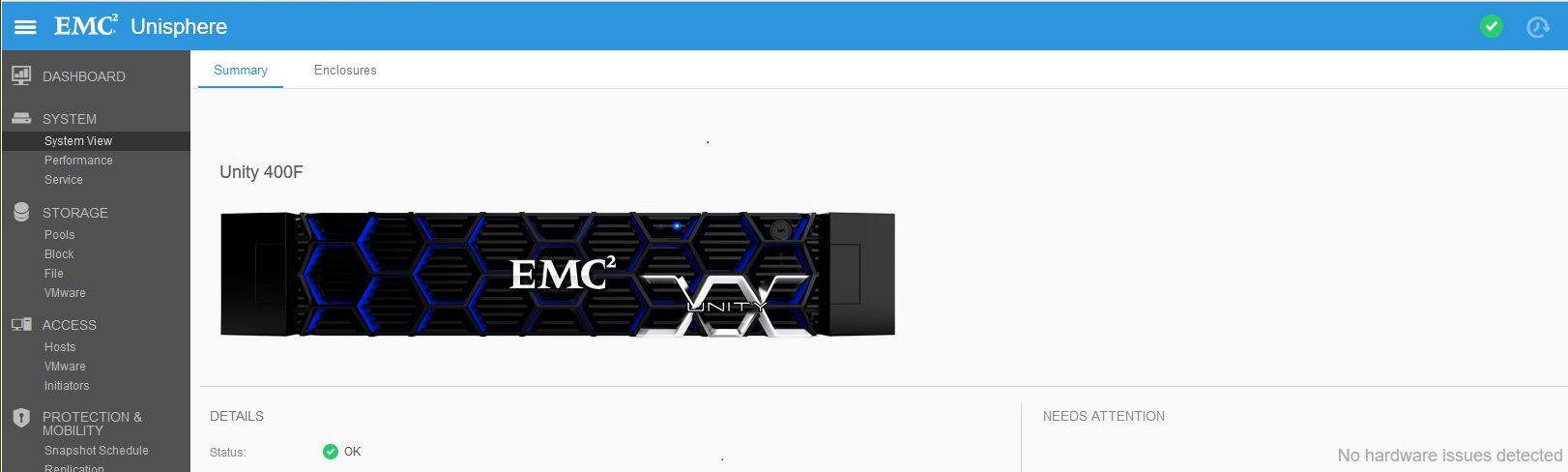
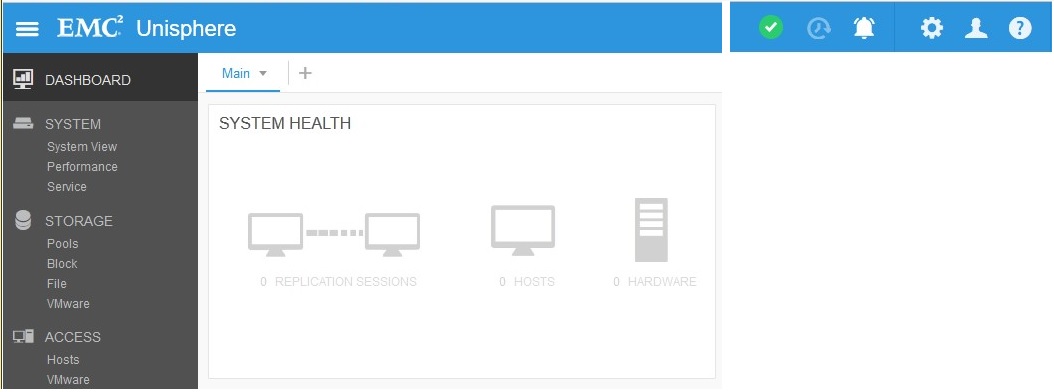
复制连接已启用(升级之前),但未创建任何复制。升级后复制状态设置为“注意”:

Résolution
在“复制”下,单击“验证和更新” > 连接,以从复制中删除注意状态。复制正常后,在System ViewDPE >> Commit I/O Ports下提交新的 I/O 模块。
Produits concernés
Dell EMC Unity 400FProduits
Dell EMC Unity 400F, Dell EMC Unity FamilyPropriétés de l’article
Numéro d’article: 000055174
Type d’article: Solution
Dernière modification: 17 avr. 2026
Version: 6
Trouvez des réponses à vos questions auprès d’autres utilisateurs Dell
Services de support
Vérifiez si votre appareil est couvert par les services de support.