How to Add CrowdStrike Falcon Console Administrators
Samenvatting: Learn about how to create an administrator account or add more administrators for CrowdStrike Falcon Console by following these instructions.
Dit artikel is van toepassing op
Dit artikel is niet van toepassing op
Dit artikel is niet gebonden aan een specifiek product.
Niet alle productversies worden in dit artikel vermeld.
Instructies
Falcon Administrators can access all functionality in the CrowdStrike Falcon Console except certain Real Time Response (RTR) functionality. This article discusses how to add additional administrators to the CrowdStrike Falcon Console.
Affected Operating Systems:
- Windows
- Mac
- Linux
- In a Google Chrome or Microsoft Edge browser, go to your Falcon console login URL.
- Falcon US-1: https://falcon.crowdstrike.com/login/
- Falcon US-2: https://falcon.us-2.crowdstrike.com/login/
- Falcon EU-1: https://falcon.eu-1.crowdstrike.com/login/
- Falcon US-GOV-1: https://falcon.laggar.gcw.crowdstrike.com/login/
- Falcon US-1: https://falcon.crowdstrike.com/login/
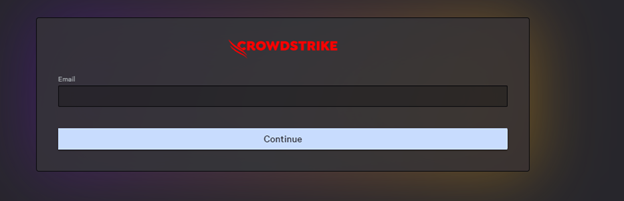
- Log In to the Falcon Console.
- In the left menu pane, click Host Setup and Management and then select User management.
 Note: The layout in the example may differ slightly from your environment.
 - In the upper right corner, click Create user.

- In the Create User menu:
- Populate Email.
- Populate First Name.
- Populate Last Name.
- Search for at least one administration role.
- Click Save.
 Note: For more information about administration role functions, select the information icon (
 ) next to the selected role.

To contact support, reference Dell Data Security International Support Phone Numbers.
Go to TechDirect to generate a technical support request online.
For additional insights and resources, join the Dell Security Community Forum.
Getroffen producten
CrowdStrikeArtikeleigenschappen
Artikelnummer: 000130804
Artikeltype: How To
Laatst aangepast: 02 jul. 2024
Versie: 15
Vind antwoorden op uw vragen via andere Dell gebruikers
Support Services
Controleer of uw apparaat wordt gedekt door Support Services.