How to Prioritize Multiple MX Records
Summary: This article explains how to prioritize multiple MX records on your domain.
Instructions
Affected Products:
- Office 365
If your domain has more than one MX record, the mailer must figure out which one to use. MX records use a field called preference to determine the priority.
When you create an MX record, most DNS hosting providers require you to set the preference number, some label the field as preference, and some label the field as priority. Some require a number, and some ask you to select Low, Medium, or High.
If you only have one MX record, any value is fine for priority or preference. However, if you have more than one MX record; for example, if you use an MX record to verify that you own the domain, and an MX record used for mail routing, ensure that the MX record for mail routing is higher priority than the one you used for validating your domain.
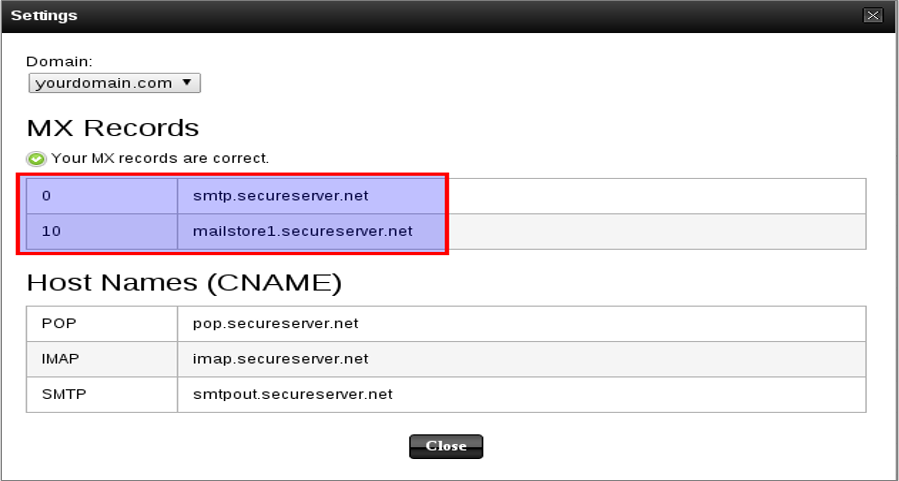
Figure 1: (English Only) MX Records settings
Mail is delivered to the mail exchange server with the lowest preference number (highest priority), so the MX record you use for mail routing should have the lowest preference number, typically 0.