Host Does Not Appear in Dell Device Management Console After Installing Dell Device Management Agent
Сводка: This article provides information about the host computer not appearing in the Dell Device Management Console (DDMC) after installing the Dell Device Management Agent (DDMA).
Данная статья применяется к
Данная статья не применяется к
Эта статья не привязана к какому-либо конкретному продукту.
В этой статье указаны не все версии продуктов.
Симптомы
Affected Products:
- Dell Device Management Console
The host computer does not appear in the DDMC after installing the DDMA.
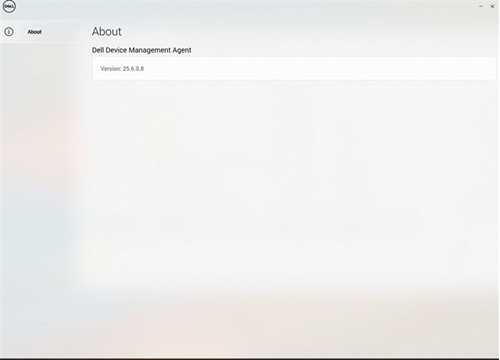
Note: The DDMA agent icon in the system tray is blank.
Причина
- TPM is not enable in the BIOS
- Command syntax to install the DDMA is incorrect
Разрешение
- Enable the TPM in the BIOS, reference How to Enable TPM 2.0 on Dell Computers for Windows Security
- Verify that DDMA is installed correctly, reference How to Install the Dell Device Management Agent on a Host Computer
Затронутые продукты
Dell Device Management Console | Peripheral Management, Dell Device Management ConsoleСвойства статьи
Номер статьи: 000348677
Тип статьи: Solution
Последнее изменение: 30 Jun 2026
Версия: 4
Получите ответы на свои вопросы от других пользователей Dell
Услуги технической поддержки
Проверьте, распространяются ли на ваше устройство услуги технической поддержки.