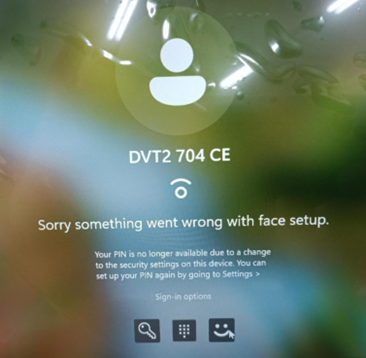
"Sorry something went wrong with face setup" Error in Windows 11
Zhrnutie: A "Sorry something went wrong with face setup" error occurs when using facial recognition to sign in. The computer password must be used to sign in.
Tento článok sa vzťahuje na
Tento článok sa nevzťahuje na
Tento článok nie je viazaný na žiadny konkrétny produkt.
V tomto článku nie sú uvedené všetky verzie produktov.
Symptómy
The "Sorry something went wrong with face setup" error occurs when using facial recognition to sign in to Windows 11 version 24H2.
Affected Platforms:
- Dell Pro Rugged 13 RA13250
- Dell Pro Rugged 14 RB14250
- Latitude 5450
- Latitude 5550
- Latitude 7450
- Latitude 7650
- Precision 3490
- Precision 3590
Affected Operating Systems:
- Windows 11 version 24H2
Príčina
The Intel graphics and neural processing unit (NPU) driver and Dell Trusted Device (DTD) experience a compatibility issue with Windows 11 24H2 on a computer with an Intel 14th generation processor. The PIN code is not available due to a change to the security setting on the device.
Riešenie
- Use the computer password to log in to the computer.
- Use Windows to search for
settingsand then open the Settings page. - Select Accounts and then go to Sign-in options.
- Click Remove to remove the facial recognition and PIN enrollments.
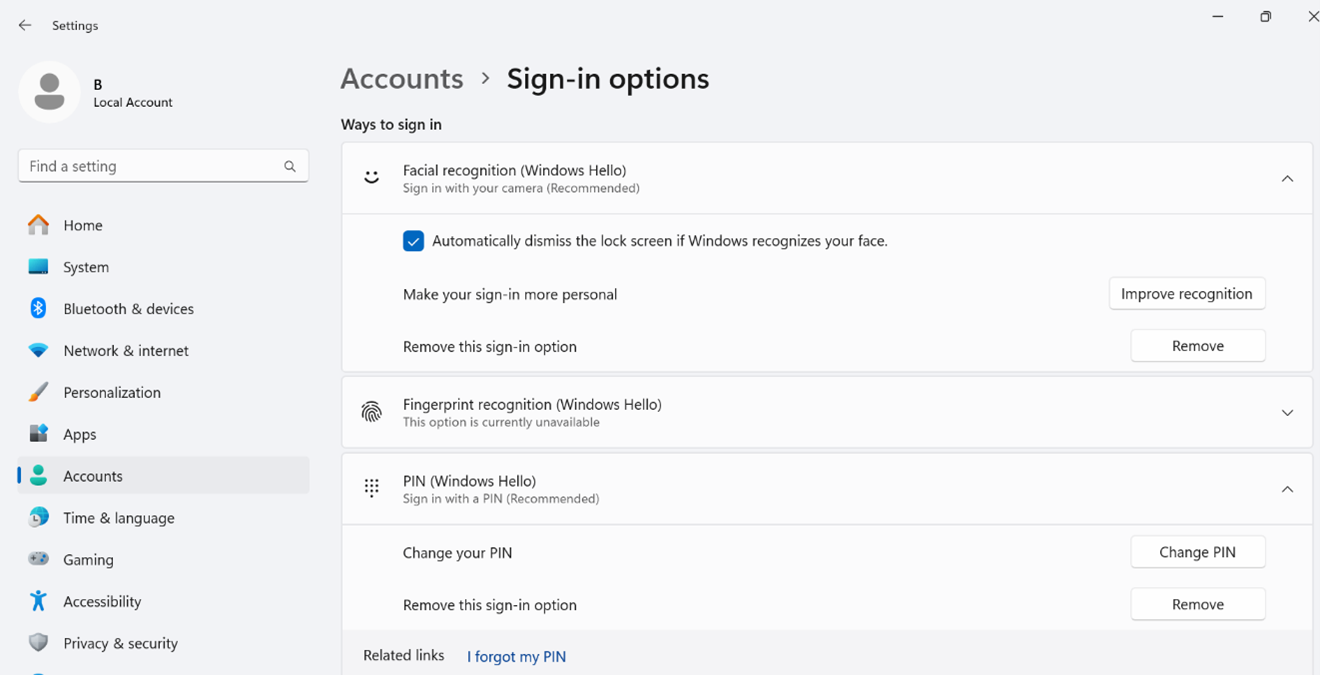
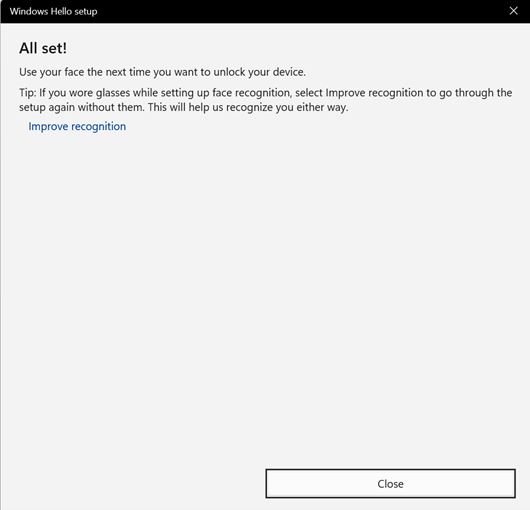
- Set up facial recognition sign in.
Note: Dell Technologies recommends improving recognition with different face angles after doing the first facial recognition enrollment.
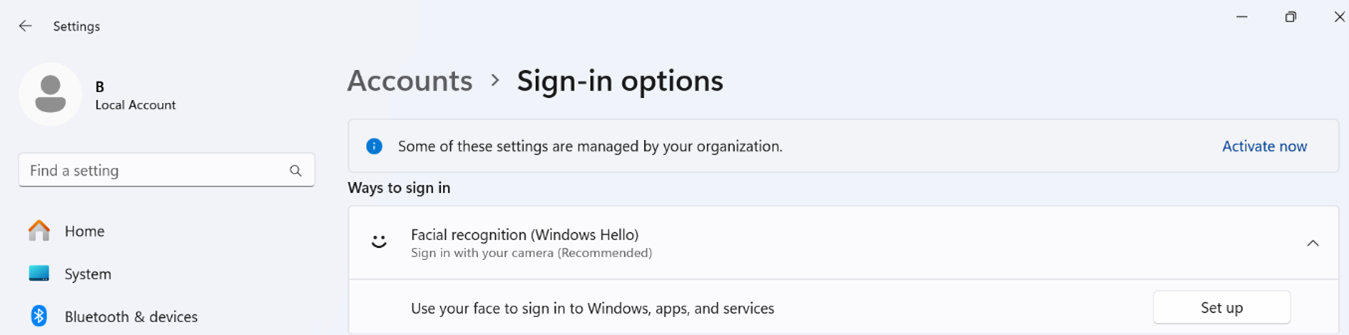
- Click Improve recognition and then turn your face slightly to the left.
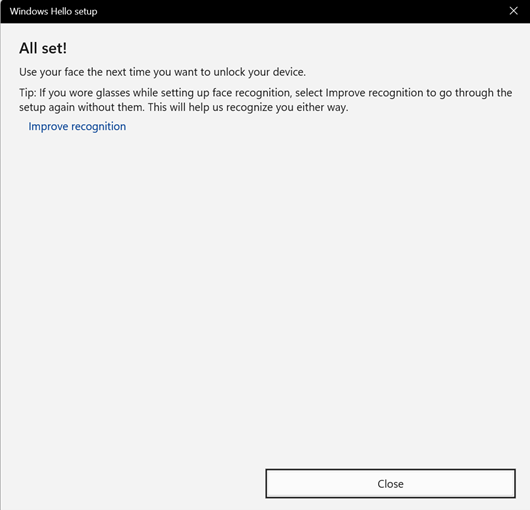
- Click Improve recognition and then turn your face slightly to the right.
Dotknuté produkty
Dell Pro Rugged 13 RA13250, Dell Pro Rugged 14 RB14250, Latitude 5450, Latitude 7450, Latitude 5550, Latitude 7650, Precision 3490, Precision 3590Vlastnosti článku
Číslo článku: 000233984
Typ článku: Solution
Dátum poslednej úpravy: 21 máj 2026
Verzia: 5
Nájdite odpovede na svoje otázky od ostatných používateľov spoločnosti Dell
Služby podpory
Skontrolujte, či sa na vaše zariadenie vzťahujú služby podpory.