Dell Unity: Nonspecific error in UI while uploading Unity OE code for upgrade (Dell Correctable)
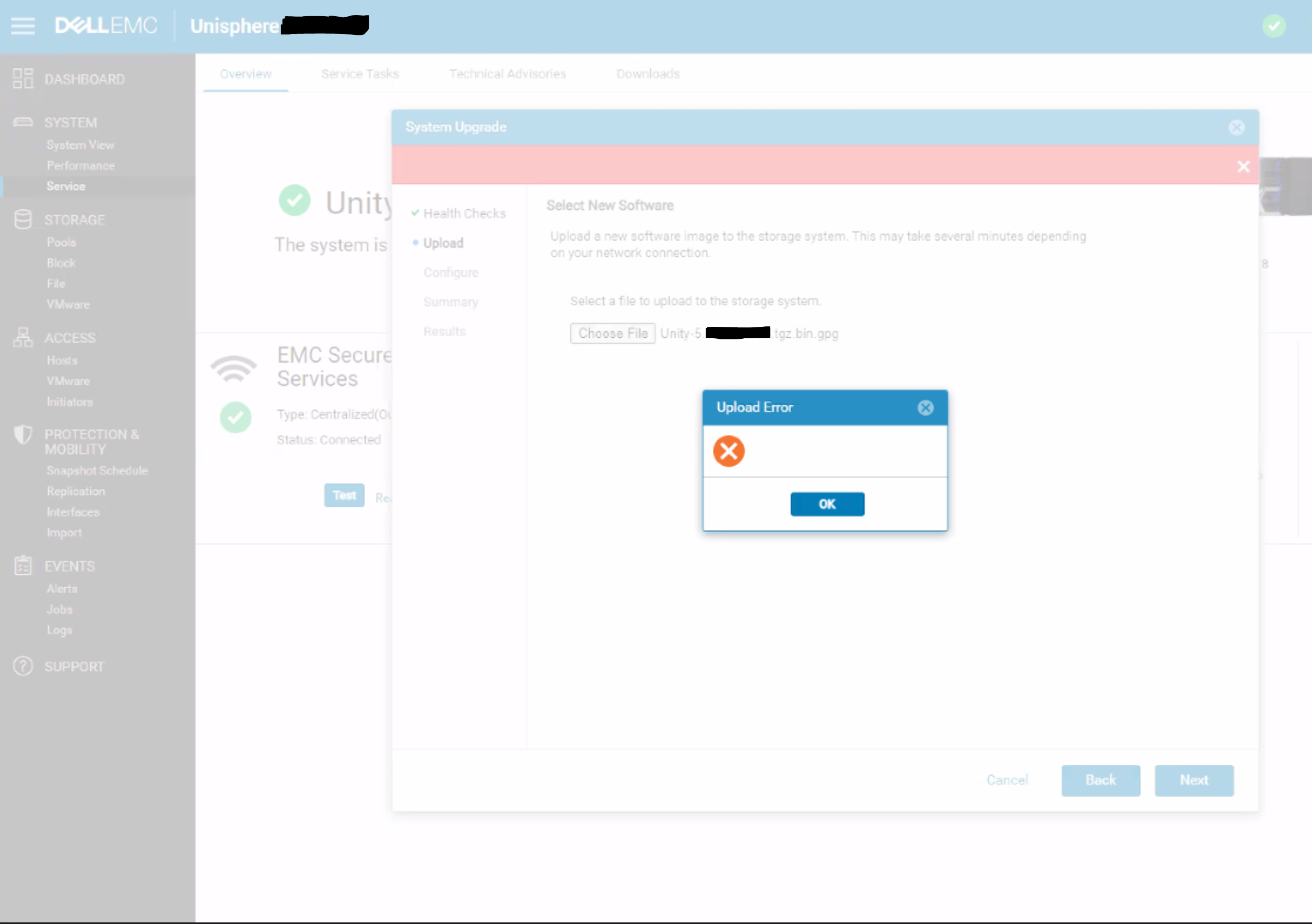
Summary: A blank upload error appears in the Unisphere dialog with no specific error message or error code.
Bu makale şunlar için geçerlidir:
Bu makale şunlar için geçerli değildir:
Bu makale, belirli bir ürüne bağlı değildir.
Bu makalede tüm ürün sürümleri tanımlanmamıştır.
Symptoms
Below error is seen on Unity Unisphere while uploading OE code for upgrade:
Cause
This is a UI issue where the UI does not correctly handle HTTP 500 or HTTP 409 errors for the REST request.
409 Conflict:
This response is sent when a request conflicts with the current state of the server.
500 Internal Server Error:
The server has encountered a situation it doesn't know how to handle.
Resolution
Workaround:
- Upload the upgrade image using uemcli command rather than from UI:
uemcli -upload -f Unity-xxx.tgz.bin.gpg upgrade
Or
- Upload the upgrade image from a system that is on the same subnet as the Unity array.
Resolution:
The fix for this issue is expected to be in the 5.2 release.
Etkilenen Ürünler
Dell EMC UnityMakale Özellikleri
Article Number: 000190184
Article Type: Solution
Son Değiştirme: 11 May 2026
Version: 5
Sorularınıza diğer Dell kullanıcılarından yanıtlar bulun
Destek Hizmetleri
Aygıtınızın Destek Hizmetleri kapsamında olup olmadığını kontrol edin.