Dell NativeEdge: VM Memory Utilization statistic missing for Windows based Virtual Machines
摘要: This article outlines why the Virtual Machine (VM) Memory Utilization statistic does not display for Windows based Virtual Machines under certain conditions on a NativeEdge Endpoint.
本文适用于
本文不适用于
本文并非针对某种特定的产品。
本文并非包含所有产品版本。
症状
Under certain circumstances, the NativeEdge Endpoint's Device VM Memory Utilization statistic does not display.
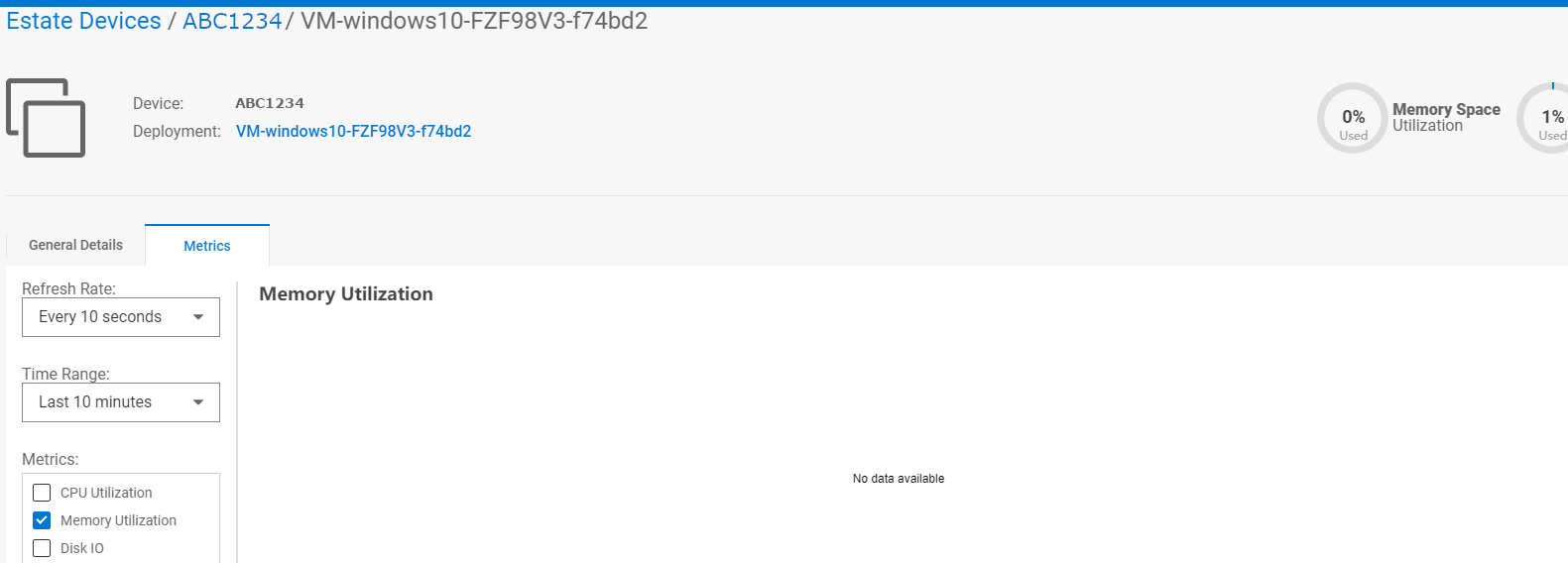
In this example, our Windows VM has no data available for its Memory Utilization:
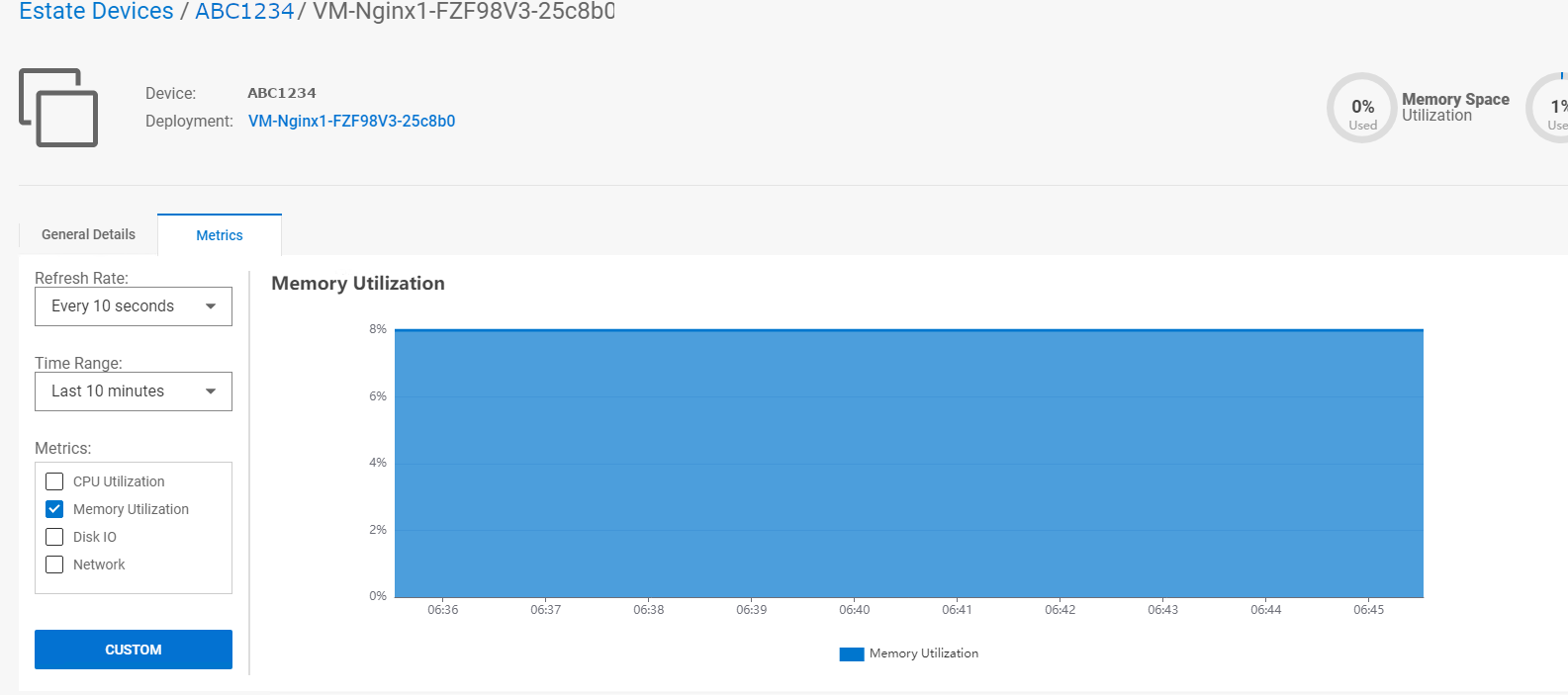
In this example, our Nginix VM is displaying its Memory Utilization:
In this example, our Windows VM has no data available for its Memory Utilization:
In this example, our Nginix VM is displaying its Memory Utilization:
原因
If the guest Windows Virtual Machine does not have a balloon memory driver installed, the result is the Memory Utilization statistic is missing. This driver is needed for the NativeEdge Orchestrator to collect memory statistics.
解决方案
NativeEdge engineering recommends that the user installs the balloon memory driver manually using the steps outlined at https://pve.proxmox.com/wiki/Windows_VirtIO_Drivers
NativeEdge engineering recommends the user to use the 'stable' branch of the VirtIO driver bundle which contains the balloon memory driver.
Once the BalloonService is running, it is necessary to restart the service for metrics to appear in the NativeEdge Orchestrator. This also applies when the Virtual Machine reboots.
受影响的产品
Dell Distributed Private Cloud, NativeEdge文章属性
文章编号: 000216216
文章类型: Solution
上次修改时间: 18 5月 2026
版本: 8
从其他戴尔用户那里查找问题的答案
支持服务
检查您的设备是否在支持服务涵盖的范围内。