How to Export Tech Support Report via Rocky Linux 9
摘要: This article provides a step by step to collect Tech Support Report via Rocky Linux 9.
本文适用于
本文不适用于
本文并非针对某种特定的产品。
本文并非包含所有产品版本。
说明
Prerequisites.
- Rocky Linux 9 installed on the system.
- Internet connection to download the iDRAC Tools tool.
- Superuser privileges.
Step 1: Download and Unzip the iDRAC Tools Tool.
- Open the terminal and get superuser privileges by running the command
su root - Change to the "Downloads" directory using the command
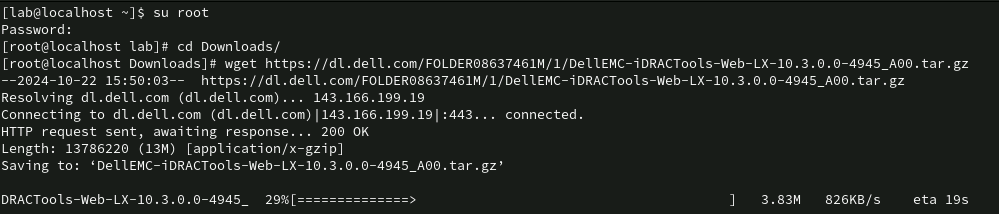
cd Downloads/ - Download the iDRAC Tools using the
wget https://dl.dell.com/FOLDER08637461M/1/DellEMC-iDRACTools-Web-LX-10.3.0.0-4945_A00.tar.gz
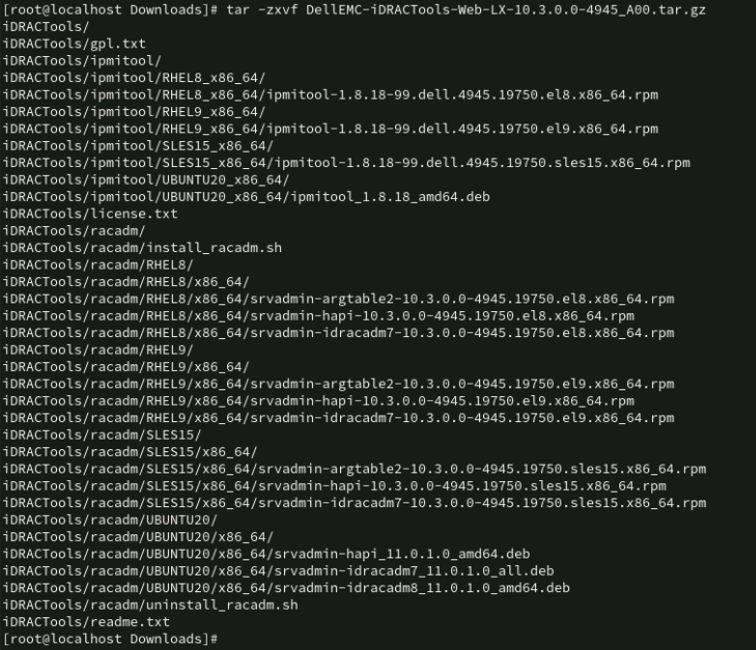
- Uncompress the contents using the
tar -zxvf DellEMC-iDRACTools-Web-LX-10.3.0.0-4945_A00.tar.gz
Step 2: Install the iDRAC Tools tool.
- Change to the iDRAC Tools directory using the
cd iDRACTools/racadm/RHEL9/x86_64/ - Install the packages using the command
rpm -ivh *.rpm

Step 3: Start Registry Collection.
- Open a new terminal, and gain superuser privileges by running the command
su root - Change to the iDRAC Tools directory using the
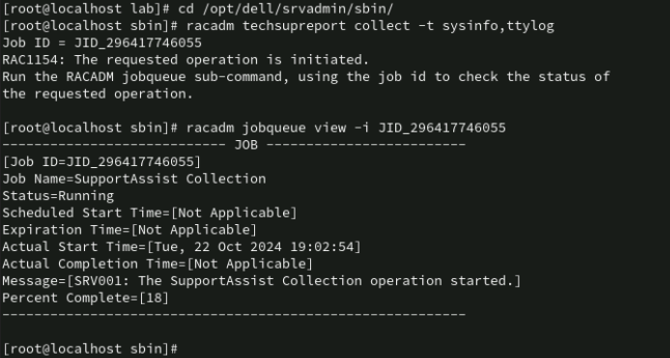
cd /opt/dell/srvadmin/sbin/ - Start the collection using the command
racadm techsupreport collect -t sysInfo,ttyloga Job ID will be generated, for example: JID_296417746055.
- Monitor the Job progress using the
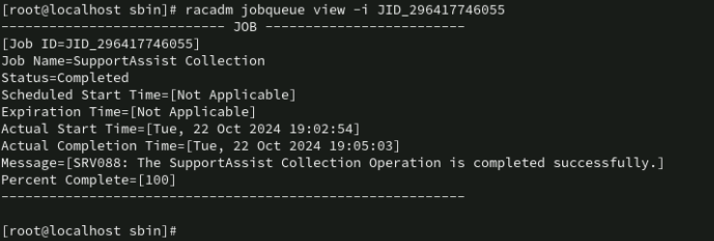
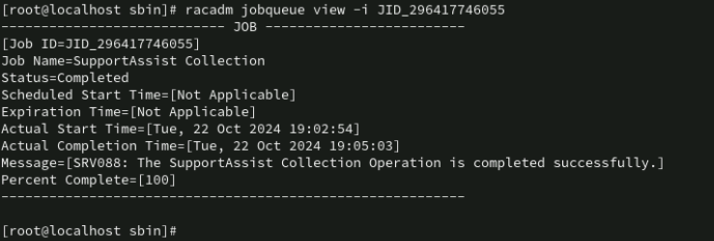
racadm jobqueue view -i <ID_do_Job>Replace<ID_do_Job>by the Job ID generated in the previous step, repeat the command until the Job Status shows the value "Completed".
Step 4: Export the iDRAC log
- Export the collection to the host using the
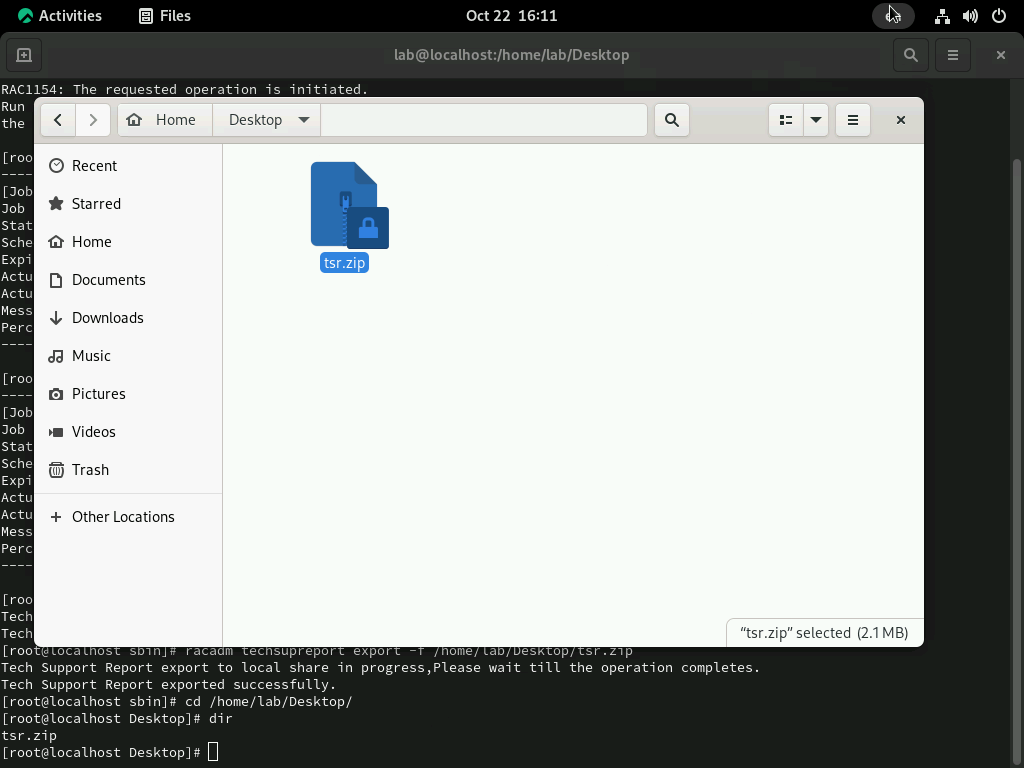
racadm techsupreport export -f /home/[nome_do_usuário]/Desktop/tsr.zip
- Enter the directory to check if the file was exported. Ready! You can now send the generated collection file to the technical support agent for analysis.

受影响的产品
iDRAC8, iDRAC9产品
Red Hat Enterprise Linux Version 9文章属性
文章编号: 000242537
文章类型: How To
上次修改时间: 16 3月 2026
版本: 5
从其他戴尔用户那里查找问题的答案
支持服务
检查您的设备是否在支持服务涵盖的范围内。