Dell Pro Desktop Speakerphone SP3022 and SB522A Soundbar Sound Quality Using Equalizer in DPeM Application
摘要: This article provides information about the Dell Pro Desktop Speakerphone SP3022 and SB522A sound quality issue using the DPeM Application.
本文章適用於
本文章不適用於
本文無關於任何特定產品。
本文未識別所有產品版本。
症狀
You can enhance your Dell Pro Desktop Speakerphone SP3022 (Figure.1) or Dell Slim Conferencing Soundbar - SB522A (Figure.2) listening experience by downloading the Dell Peripheral Manager (DPeM) application. This allows you to select between a few listening presets such as Speech, Bass boost, and treble boost. Alternatively, adjusting the simple Equalizer (EQ) is possible, if the Default preset is selected.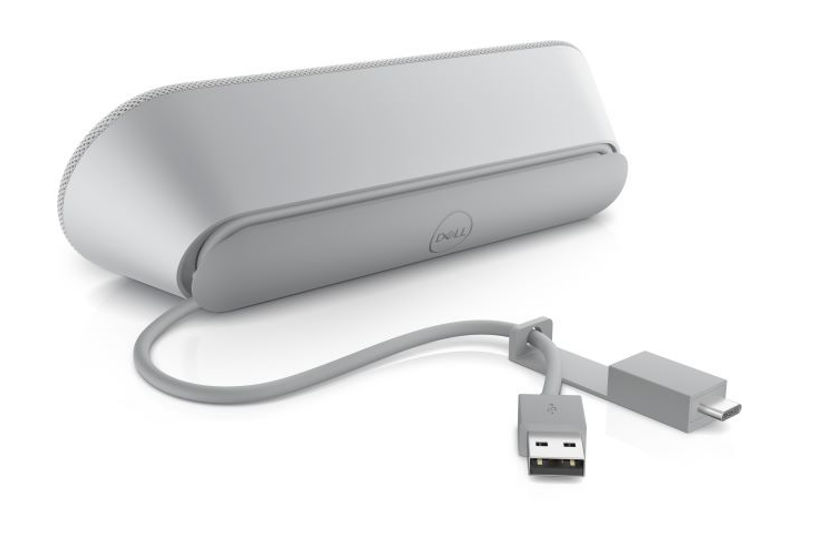
Figure.1 Dell Pro Desktop Speakerphone SP3022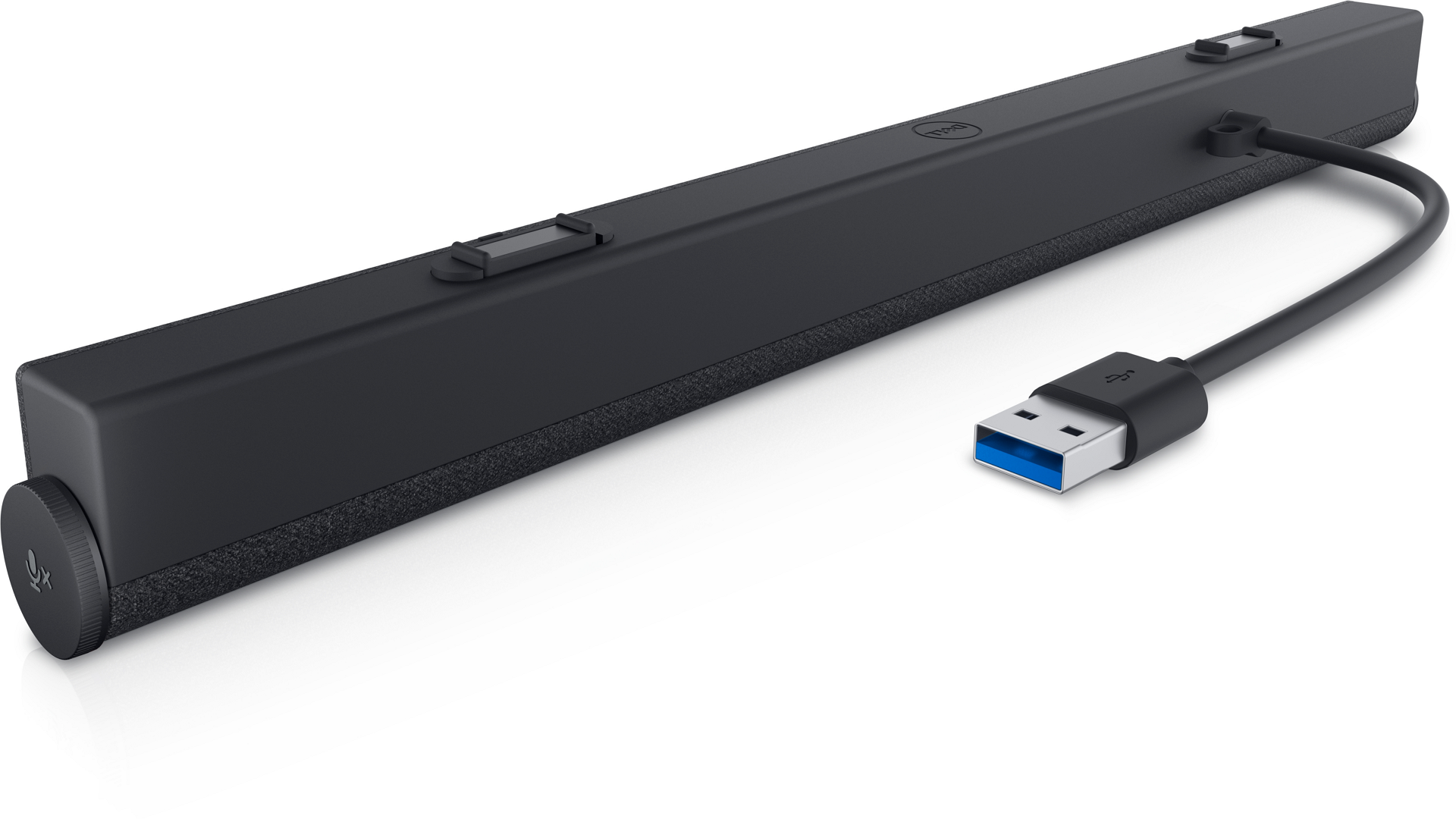
Figure.2 Dell Slim Conferencing Soundbar - SB522A
原因
There is a restriction to the EQ settings for conference calls. This is working as designed to ensure the optimal echo cancellation for the best speech quality.
解析度
Note: This is not a hardware issue. Do not worry.
The below steps can help you solve your concern.
- Download DPeM Apps from this link: Dell Peripheral Manager
- Install the DPeM app. Click the Audio Settings.
- Select the Equalizer settings, Use your mouse to adjust the blue buttons for Bass, Treble, and Midrange frequencies to meet your sound preference. (See Figure.3)
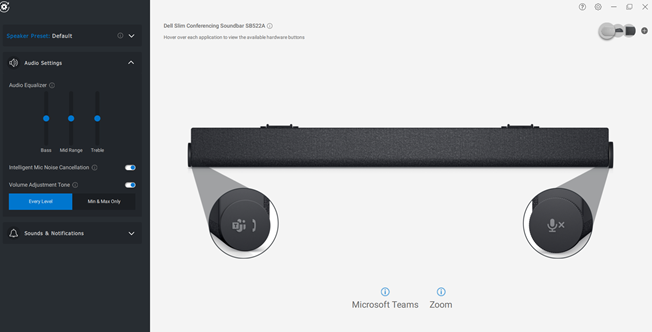
Figure.3 Audio Equalizer settings
受影響的產品
Dell Slim Conferencing Soundbar - SB522A, Dell Pro Desktop Speakerphone SP3022文章屬性
文章編號: 000198756
文章類型: Solution
上次修改時間: 16 9月 2025
版本: 8
向其他 Dell 使用者尋求您問題的答案
支援服務
檢查您的裝置是否在支援服務的涵蓋範圍內。