PowerProtect:由於記錄分割區已滿,無法登入 PPDM 使用者介面
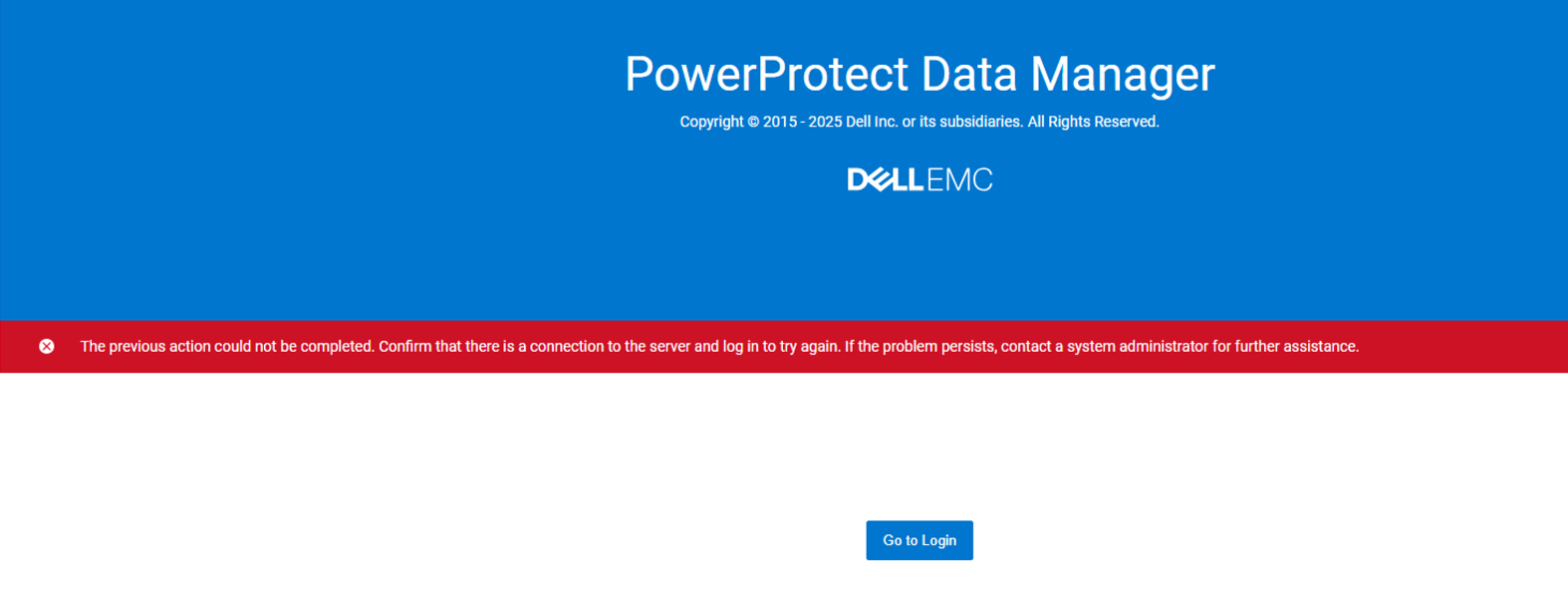
摘要: 無法登入 PowerProtect Data Manager UI,並出現以下錯誤訊息「無法完成先前的動作。確認有與伺服器的連線,然後登入以再試一次。如果問題仍然存在,請聯絡系統管理員以取得進一步協助。」
本文章適用於
本文章不適用於
本文無關於任何特定產品。
本文未識別所有產品版本。
症狀
使用者無法登入 PowerProtect Data Manager UI,並出現下列錯誤訊息:
"The previous action could not be completed. Confirm that there is a connection to the server and log in to try again. If the problem persists, contact a system administrator for further assistance"
在 PowerProtect Data Manager 服務中, cd /usr/local/brs/puppet/scripts然後 ./ecdm_services.sh status
可使用 ui.service service 已關閉。
重新啟動它不會啟動服務。
正在做 df -h 顯示 /log 分區已滿,這會導致服務無法啟動。
從 /logs 分區,顯然是檔 local0.info from /logs/brs/rsyslog-forwarding-file/local0 正在佔用所有空間。
原因
這是由於啟用 syslog 從未正確清除記錄的 PowerProtect Data Manager (設定 >記錄 >系統記錄) 轉寄。
解析度
解決此問題的因應措施:
可以刪除或截斷此檔。
- 截斷 記錄:
sudo truncate -s 0 /logs/brs/rsyslog-forwarding-file/local0/local0.info
- 刪除 記錄:
sudo rm /logs/brs/rsyslog-forwarding-file/local0/local0.info
完成後,請重新開機 ui.service 服務:
systemctl start ui.service
受影響的產品
PowerProtect Data Manager產品
PowerProtect Data Manager Essentials文章屬性
文章編號: 000355822
文章類型: Solution
上次修改時間: 21 11月 2025
版本: 2
向其他 Dell 使用者尋求您問題的答案
支援服務
檢查您的裝置是否在支援服務的涵蓋範圍內。