

Unsolved
1 Rookie
•
6 Posts
0
77
August 8th, 2023 13:00
Area 51m R1 - No power, diagnostic support?
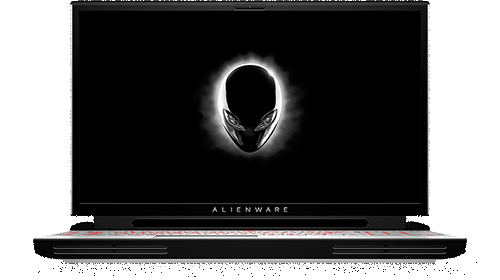
Alienware Area-51m
Hello,
Yesterday evening I sat down with my Area 51m and to my surprise, it wouldn't turn on. The laptop has worked great for years, and I had been using it just a couple of hours earlier without issue. If there was any warning sighs leading up the the issue, they weren't obvious. I repasted the heatsync several months ago and have an undervolt configured on both the CPU and GPU. I constantly monitor temps and haven't hit any thermal limits for months.
The system seems to completely lack any power. Pressing the power button does nothing. When I plug in the power adapters, no charging lights come on. The USB ports are not providing any power. I haven't got too far into diagnosing the issue, but these are the steps I've taken so far:
Tried each power adapter separately and together, and ensured to test each power port individually.
Tried a different power outlet.
Tested a separate 240W Dell power adapter
Drained Flea power.
Opened the laptop to check for loose cables or wiring with no remarkable findings (I only got as far as removing the bottom cover, IO cover, and battery; admittedly there are a couple of more cables I could access if I removed the heatsink but I haven't had time to get that far down).
Unplugged and replugged the power button ribbon
Tried booting with both AC adapters plugged in the and the battery disconnected.
I am a bit lost as to how I should proceed. Has anyone experienced this issue on the R1 and, more importantly, were you able to resolve it? Any other trouble shooting tips for me? Thanks!


0 events found
ejn63
12 Elder
•
30.9K Posts
•
153.5K Points
0
August 8th, 2023 15:00
Verify that the AC adapter LED is on before you plug in the notebook end.
See if the system will power on AC only, with the main battery disconnected. If it will, you may have a battery issue.
If not, and there's still no sign of life, it's time to replace the system board.