


Unsolved
1 Rookie
•
3 Posts
0
190
July 12th, 2023 20:00
m15 R5, AWCC application not there
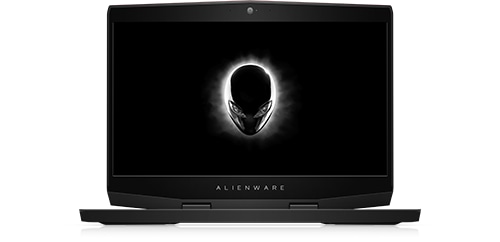
Alienware m15 Ryzen Edition R5
recently I've been experiencing an issue with command center, i accidentally uninstalled AWCC so i tried to reinstall it, however the new installshield application that dell has switched over to has had several issues, the main one being that it does not install the alienware command center application anywhere. well i tried to switch over to a previous version of AWCC but i need to uninstall the current AWCC to switch over to the April 2022 version. So I tried to uninstall the current AWCC and to my surprise, the application will say "The wizard was interrupted before Alienware Command Center Package Manager could be completely installed", so at the moment i am unable to uninstall the current AWCC, repair it, or even modify it because the application refuses to work. I've tried revo but that does not work at all with uninstalling anything associated to AWCC. I just want to use the application so i can turn off the lights since the alienware requires AWCC in order to disable the lights with the button.what the application says whenever i try to uninstall or modify, but it will "install" just fine
kwresrch
3 Posts
0
July 15th, 2023 00:00
Dredgen_Cyka
1 Rookie
•
3 Posts
0
July 15th, 2023 03:00
Those do not work. I've tried all of those solutions already