

152 Posts
0
1132
July 27th, 2022 05:00
Auto startup not working
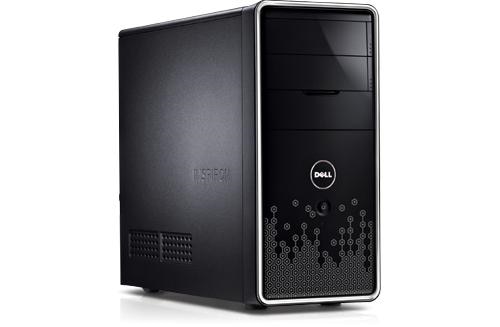
Inspiron 580
I replaced the power supply, and changed case to convert it to a simple NAS. Everything works fine. But I setup auto startup in BIOS, it does not boot at the time I set. How to fix that?
No Events found!
czgu
152 Posts
0
July 28th, 2022 13:00
I've tried Windows 10 on that PC. As soon as I turn off fast startup, automatic power-on works fine. But it does not work on OpenMediaVault
AdrianG001
6 Operator
•
4K Posts
0
July 27th, 2022 22:00
you may try the following workaround.
"Open System by clicking the Start button -> Control Panel -> System and Maintenance -> System.
Click Advanced System Settings. If you are prompted for an administrator password or confirmation, type the password or provide confirmation.
Click the Advanced tab, and then, under Startup and Recovery, click Settings.
Change the default operating system according to your preference, select an option from the Default operating system list (this is where descriptive menu choices come in handy). You can also choose how long you want to display the list of operating systems. The default is 30 seconds; You may choose the time according to your preference or may be 0 seconds.
Note: If there are files from the old operating system, it will take up space on your computer.
czgu
152 Posts
0
July 28th, 2022 07:00
I've converted it home NAS, so it does not run windows system. It runs OpenMediaVault (a linux system). Auto startup problem might be hardware issue, not software issue.