

Unsolved
1 Message
0
297
March 16th, 2023 23:00
Flickering Issue
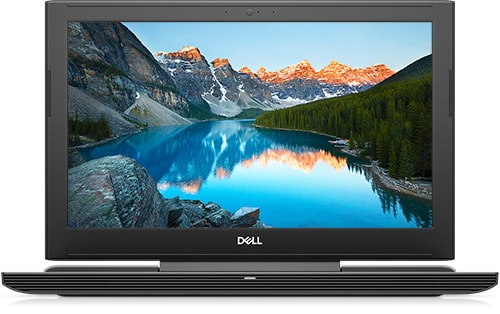
Dell G5 15 5587
hey i recently upgraded to windows 10, then i am getting a screen flickering issue can anyone help me with fixing it
No Events found!
Unsolved
1 Message
0
297
March 16th, 2023 23:00
Dell G5 15 5587
hey i recently upgraded to windows 10, then i am getting a screen flickering issue can anyone help me with fixing it
Top
GauravSyst
4 Apprentice
•
339 Posts
•
1.2K Points
0
March 17th, 2023 01:00
Well Screen flickering in Windows is usually caused by issue in the display drivers or outdated display driver. To update your display driver, you'll need to start your PC in safe mode, uninstall your current display adapter, and then check for driver updates or you can updated your display driver by using a good driver updater software as well like advanced driver updater or driver easy.
crimsom
9 Technologist
•
6.1K Posts
0
March 17th, 2023 03:00
Hi @Vinaykumar9985 welcome to this free user-to-user Alienware laptop discussion forum.
Please type/paste Device Manager into search on taskbar and open Device Manager Control panel, right click on Desktop icon and 'Scan for hardware changes' to update all drivers. Then determine if any of the drivers have moved to the right in response to an error. Open Display adapters, right click on all drivers to Update driver.
If Display issue not fixed, please update this thread with additional information. Thank you.
AdrianG001
6 Operator
•
4K Posts
0
March 23rd, 2023 04:00
Once the screen flickers what do you do?
See if it is happening in a particular application if not then try to enter BIOS by restarting and keep tapping on F2 key when you see the Dell logo until it loads BIOS.
If it works fine in BIOS then it might be an issue with the graphics card or the driver. You can also perform Diagnostics test on the laptop to verify if the lcd is fine.
Last option would be to check it on an external monitor and if it behaves the same then it is confirmed driver or Operating System.