

Unsolved
1 Rookie
•
75 Posts
0
366
April 11th, 2023 23:00
[DELL OPTIPLEX 9010] Trouble removing BIOS password, need help
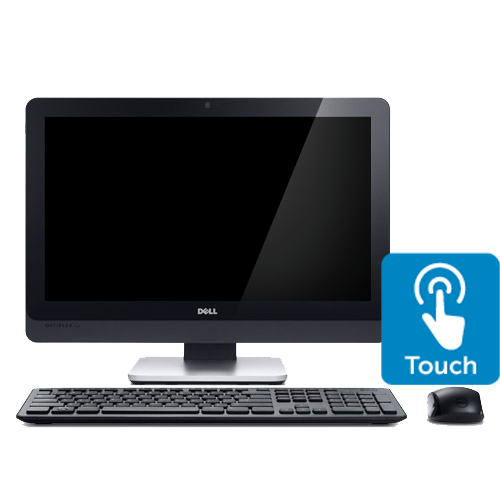
OptiPlex 9010 All-In-One
I have a Dell Optiplex 9010 AIO which I am currently using to type this.
The Dell Optiplex 9010 AIO was bought from a third party area and it currently has a password I CANNOT get rid of.
I dont know what it is but I've tried every single method to get rid of it. I'll list them out and why they didn't work.
using bios-pw.ORG = Not generating correct keys
Replacing the chip manually = Cannot do that
Booting to some sort of CD with tools on it to replace it - The settings on the locked BIOS prevent me
What do I do?
-Gravity
No Events found!
JOcean
11 Legend
•
12.6K Posts
•
69.5K Points
0
April 12th, 2023 05:00
Did you try the jumper on the MB? This support page from Dell has more information. The service manual here also has more information. Basically you remove the PSWD jumper and power on the system. Then shut the system down and reinstall the jumper.
gravitycoil828
1 Rookie
•
75 Posts
0
April 14th, 2023 22:00
As previously mentioned I cannot.
Maybe because of private reasons that I cannot really say.
Is there any other way that I can do it?
gravitycoil828
1 Rookie
•
75 Posts
0
July 21st, 2023 17:00
Relying back after a while:
Found out I can use wifi boot [IPV4 or IPV6] or by entering the Windows recovery menu I can boot from another device. Am I able to change the BIOS password by using an USB stick with an special ISO?
bradthetechnut
9 Technologist
•
9.5K Posts
•
40.1K Points
0
July 21st, 2023 17:00
No. Only way to do it that I know of is the way JOcean said.