

Unsolved
1 Message
0
199
December 4th, 2022 00:00
Problem with installing Chipset drivers for "Dell OptiPlex 7060 SFF" desktop computer
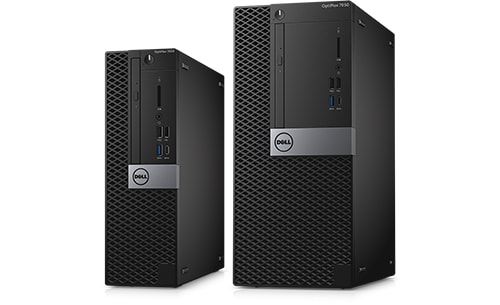
OptiPlex 7060
We noticed on the official Dell website there are 2 chipset driver versions listed for the "Intel Management Engine Components Installer" driver. Should we be installing both driver versions (i.e., version 2229.3.16.0, A11 AND version 2103.15.0.2135, A07) or just the latest October 2022 driver? As we were confused by this, we did in fact install "both" Intel Management Engine Components Installer driver versions, will doing this make our PC unstable? We cannot have an unstable PC as it is a mission critical PC for our engineering business. Thank you in advance.
No Events found!
JOcean
11 Legend
•
12.6K Posts
•
69.5K Points
0
December 4th, 2022 05:00
This important information is listed in the Intel MEF installer. As for both versions, the newer version generally overwrites and replaces the older version. The drivers you installed are not the chipset drivers, note the following from the support page here:
Important Information
The chipset driver must be installed before installing this update.
To find the chipset driver, click This Device on the Drivers and Downloads page and select Chipset from the Category drop-down. If you are not on the Drivers and Downloads page, identify your product.