

Unsolved
1 Message
0
321
October 13th, 2022 18:00
Support Assist
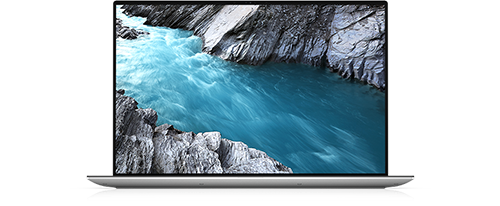
XPS 15 9510
Another one here - Will not start or work or reinstall.
Unsolved
1 Message
0
321
October 13th, 2022 18:00
XPS 15 9510
Another one here - Will not start or work or reinstall.
Top
DELL-Chris M
Community Manager
•
56.9K Posts
0
January 10th, 2023 12:00
Uninstall SA
* Right click the Start menu button and select Control Panel
* Under Programs, select Uninstall a program
* In the list of programs, locate and select Dell SupportAssist
* At the top of the window, select Uninstall
* When done, look for Dell SupportAssist Agent, Dell SupportAssist Update Plugin, and Dell SupportAssist Remediation. If any are found, select Uninstall
* When done, restart the PC
Reinstall SA
* Go here to download SupportAssist
* Click the blue "Download Now" button
* On the bottom of the browser, click Show all
* Click Show in folder
* Right click SupportAssistInstaller, left click Run as administrator. Follow the prompts
* When finished, restart the PC
* Go here and download the SupportAssist OS Recovery Plugin for Dell Update
* Right click SupportAssist Update Plugin, left click Run as administrator. Follow the prompts
* When finished, restart the PC