

Unsolved
1 Rookie
•
7 Posts
0
287
November 14th, 2022 08:00
XPS 8940, screen flashing when high Memory loading
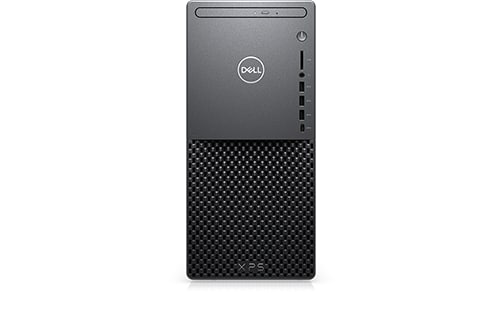
XPS 8940
Hi. I really love the speed of my XPS device but have recently run into an occasional flashing screen situation. It's been so for about one month but I noticed today, when it happened, that the Memory load was about 79%. I'm not sure why that should cause the issue and was wondering if I should (Can ? ) add more memory? My first thought was a graphics card issue but now I'm not so sure.....Any ideas greatly appreciated. Cheers. Mike


0 events found
No Events found!
vishvajitd
2 Intern
•
278 Posts
0
February 24th, 2023 22:00
A flashing screen could be caused by various factors, such as a graphics card issue, a driver issue, or even a hardware issue. However, as you mentioned that the memory load was high when the issue occurred, it is possible that the flashing screen could be related to a memory issue.
Adding more memory could potentially help alleviate the issue, especially if you are running memory-intensive applications. However, before adding more memory, it would be a good idea to run some diagnostics to determine the root cause of the issue.
You could start by running the Windows Memory Diagnostic tool to check for any memory-related issues. You could also check for any driver updates for your graphics card and ensure that your system is up-to-date with the latest updates and patches.
If the issue persists even after running diagnostics and updating drivers, it may be necessary to contact Dell support for further assistance.