


Unsolved
1 Rookie
•
2 Posts
0
1093
December 9th, 2022 23:00
Device unable to recognize external microphone and only using internal microphone
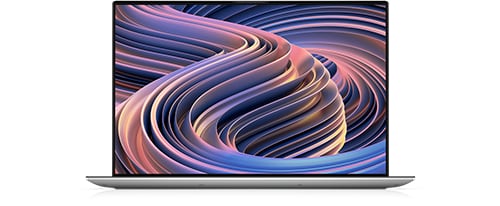
XPS 15 9520
I've recently got this laptop and realized that people are unable to hear my voice properly on calls such as discord or voice chat in video games. I've used two different sets of headphones that plug into the headphone jack that originally worked on my macbook, but noticed that speaking into the microphone on the wire does not affect my voice, but rather speaking closer to the computer, probably meaning that its still using the internal microphone.
I've also used bluetooth headphones while talking and gaming to try and get around this issue and have realized that although the microphone now works, there are constant cuts in the audio from anywhere between 30 seconds and a couple of minutes, but only from the game itself while the audio call still works.
NJDave
2 Intern
•
406 Posts
0
December 11th, 2022 07:00
First, the audio jack supports multiple plug configurations for mics/headphones/headsets. You need MaxxAudio Pro installed/running so that when the system detects the plug inserted, you can properly specify the headset. Once you do that, in Settings>System>Sound you can make sure the headset mic is the default audio input device, and test the input level. If Windows Update fails to install MaxxAudio Pro you can use SupportAssist or get it manually from Drivers & Downloads.
dk273
1 Rookie
•
2 Posts
0
December 19th, 2022 19:00
Hi I've checked my MaxxAudio Pro settings for its headset specification and made sure they were correct. I've also made sure that the drivers and everything are up to date, even uninstalling and reinstalling both maxx audio pro and the realtek audio driver. I'm still having microphone issues as my tests say that only about 10% input level is coming out, and my friends also telling me that I get louder the more closer i get to the computer itself, rather than the microphone on my wired earbuds.
NJDave
2 Intern
•
406 Posts
0
December 19th, 2022 22:00
Your sound input settings (Settings > System > Sound > Input) allow you to select your default input device. However the apps you use to capture audio (Discord in this case?) can override those settings and use any available input device, or multiple devices if they have that capability. It sounds like either your default device isn't set correctly, or Discord may explicitly have a different device assigned. I confess I don't know the first thing about Discord, but this link looks relevant.