


Unsolved
1 Rookie
•
3 Posts
0
461
July 25th, 2023 22:00
Aurora R11, XMP grayed out
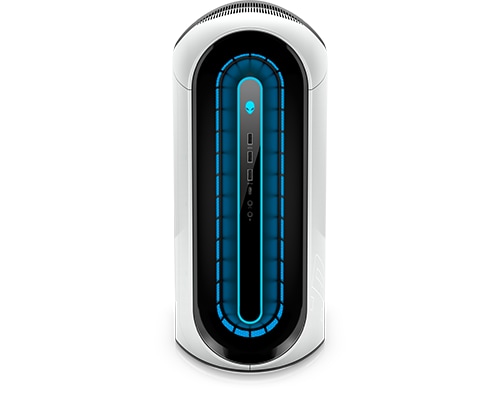
Alienware Aurora R11
Is there anyway to enable XMP memory? I spent 4K on this computer and it runs so poorly with semi-decent parts 3070 Ti, i7-10700k and 32GB ram. But it runs at only 2133MHz. I paid for more so running games like EFT and MW2 will just drop my FPS like crazy staying at the 50-70 range on recommended settings.
No Events found!
ProfessorW00d
4 Operator
•
2.4K Posts
0
July 26th, 2023 05:00
Where is XMP 'Greyed out' . . . in AWCC or the BIOS screen?
summrs4L
1 Rookie
•
3 Posts
0
July 26th, 2023 09:00
BIOS
ProfessorW00d
4 Operator
•
2.4K Posts
0
July 26th, 2023 10:00
What RAM do you have installed?
summrs4L
1 Rookie
•
3 Posts
0
July 26th, 2023 13:00
DDR4 3200mhz
ProfessorW00d
4 Operator
•
2.4K Posts
0
July 26th, 2023 16:00
Can you open CPU-Z and post a snip of the Memory and SPD tabs?
Iain K Mackay
2 Intern
•
176 Posts
0
July 26th, 2023 17:00
Been answered on here many times over.
The R11 is another AW product that does not offer XMP profiles in the BIOS by design because Dell made them that way.
Reason, the motherboard or memory depending on the model is not capable of supporting such profiles. Unlocking the BIOS would do nothing.
ProfessorW00d
4 Operator
•
2.4K Posts
0
July 26th, 2023 17:00
Are you sure about that?
Iain K Mackay
2 Intern
•
176 Posts
0
July 27th, 2023 00:00
That says it's XMP memory. It makes no mention of XMP profiles being provided.
In Dell's world they did not say your getting it, so no issue your not.
mako64
2 Intern
•
676 Posts
0
July 31st, 2023 08:00
My R11 is running xmp stock xfury ram 3400MHz. 64 gb of goodness. My XMP in bios is not grayed out.
ProfessorW00d
4 Operator
•
2.4K Posts
0
July 31st, 2023 09:00
Thank You!