

Unsolved
1 Rookie
•
1 Message
0
1291
May 4th, 2023 17:00
Aurora R14, running slow, glitchy, poor performance multiple task
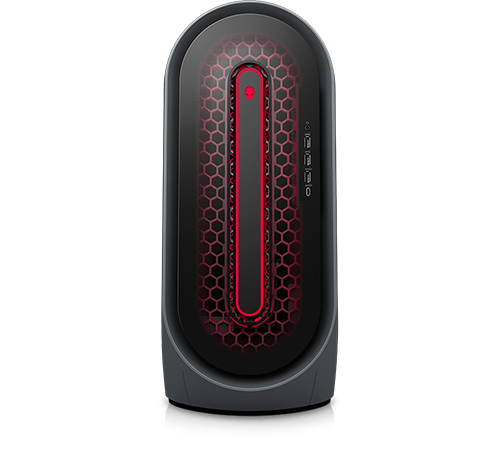
Alienware Aurora Ryzen Edition R14
Hello,
So I go this PC 6 months ago brand new. I work quite a lot so I don't actually play that much, however fairly quickly I have started to see performance issues I would get on my Alienware R17 laptop I got 8 years ago, yet this has a 3070 and other decent specs?
I have top spec peripherals so I know it's not an issue with them dragging it down.
For example I'll be playing DayZ on max graphics (not difficult), I will have discord and iTunes on second monitor and the music will jitter, dragging the mouse on the desktop is sluggish and shocking.
Overall really not impressed.
I am pretty solid with tech and troubleshooting but no matter what I do or try it's still shocking to play as a smooth experience.
Thank you in advance for any help.
ProfessorW00d
6 Operator
•
2.4K Posts
•
10.2K Points
0
May 4th, 2023 18:00
What CPU, RAM and PSU wattage?
If you open Task Manager, what is sucking up resources when your rig drags and lags?
Iain K Mackay
2 Intern
•
176 Posts
0
May 4th, 2023 22:00
Try removing Dells Support Assistant which is known to have caused stuttering issues in the past on Alienware PC's.
My present R13 and past R7 both performed far better once i removed any software such as the AWCC and any driver provided by Dell.
Tesla1856
10 Wizard
•
17.9K Posts
•
71.1K Points
0
May 5th, 2023 21:00
Load latest BIOS/Firmware.
Be sure machine passes ePSA Diags at 100% good (outside of Windows).
Switch NVMe-SSD from RAID to AHCI.
Clean-install Windows-11 (using Microsoft's ISO).
Use drivers from Windows-Update
- Load nothing specifically downloaded from Dell or Intel).
Get latest WHQL Gaming-Driver from Nvidia.com
Device Manager should be "clean" and free of errors before continuing.
Install Discord and DayZ. Test operation.
Iain K Mackay
2 Intern
•
176 Posts
0
May 11th, 2023 03:00
Its a very good point you make about switching from RAID to AHCI. On my R13 both my NVME SSD's run far quicker once i had switched. Some kind soul on here even provided a way of doing so without the need to re-format or reinstall Windows on either drive.