


Unsolved
1 Rookie
•
12 Posts
0
817
February 17th, 2024 14:56
AW3225QF, DSC issues in dual setup
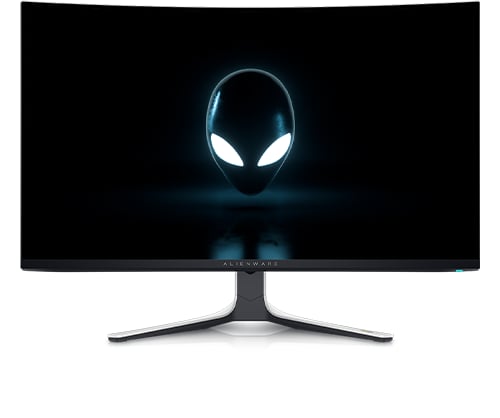
Alienware 32 4K QD OLED Gaming Monitor AW3225QF
Currently, you cannot run two of these monitors at the same time at their native refresh rate of 240Hz. One or both monitors will revert to 120Hz the minute you restart your computer. 240Hz will not be able to be selected again until you power cycle the monitor(s) effected.
While you might think that’s a limitation of HDMI 2.1 and DP 1.4 bandwidth while using DSC, it’s not. I have purchased two of the new MSI 32” 240Hz OLED panels to compare and you can run them together in a dual setup without issue.
No Events found!
disneydadtx
1 Rookie
•
5 Posts
0
February 18th, 2024 19:18
After a ton of troubleshooting, I figured out the fix for it; well at least with the Aurora R16 running the RTX4080 graphics card. You need to run one monitor off the HDMI port on the video card and one on the DP. I think this is a firmware issue that will be addressed in an upcoming update. I swapped my DP cable on one of the monitors with the included HDMI cable and it fixed my issues entirely.
(edited)
Denver60
1 Rookie
•
1 Message
0
June 20th, 2024 20:51
@disneydadtx I am considering getting the same set up (dual AW3225QF) have you had any further issues once you ran one in DP and one in HDMI?
I also run a 4080 super