


1 Rookie
•
5 Posts
0
53
January 8th, 2026 09:02
AW3225QF, power button keeps blinking after being turned off
and so, this message will be very long. this monitor is quite expensive and I thought I would get excellent quality BUT either it's a bug with the button and it's just blinking, or it's constantly updating pixels, which makes the monitor burn out faster. after turning off the PC, I noticed that the pixel refresh button was flashing all the time, and it should have been flashing for 10 minutes. ai says that I need to update the firmware, I had 106 and switched to 108 (during the upgrade I used hdmi, usb B, displayport wires). nothing has changed. The AI says turn off the backlight so that the button is off and turns on only when there is flashing only during pixel updates, and now remove the HDMI and leave the other two wires (nothing has changed). the AI resets the factory settings (of course nothing has changed). the ai says make a power cycle (and it didn't help).
I CAN'T SLEEP PROPERLY BECAUSE I BOUGHT AN EXPENSIVE MONITOR AND IT'S DEFECTIVE, AND I'M NOT THE ONLY ONE WITH THIS PROBLEM. MAKE AN UPDATE AND FIX THIS SIMPLE ERROR. and if you write that it's okay, it's just a button bug, not a constant pixel update, okay, but how can I check it? if you know how to fix this, please write (in as much detail as possible, each step-by-step action (yes, yes, I'm a noob)). if someone had this problem on this monitor or on a similar one, for example, dell alienware aw3423dwf take me answer please
( alienware aw 3423 dwf aw 3225 qf)
I will send this message all people. my mail
<To protect you, your private information was removed from public view. All private data was saved to your private Case. DELL-Admin>
or write this message to the chat where the message was. thanks
DELL-ChrisM2
Community Manager
•
741 Posts
1
January 8th, 2026 13:17
Working as designed.
* Page 11 in the online AW3225QF User's Guide =
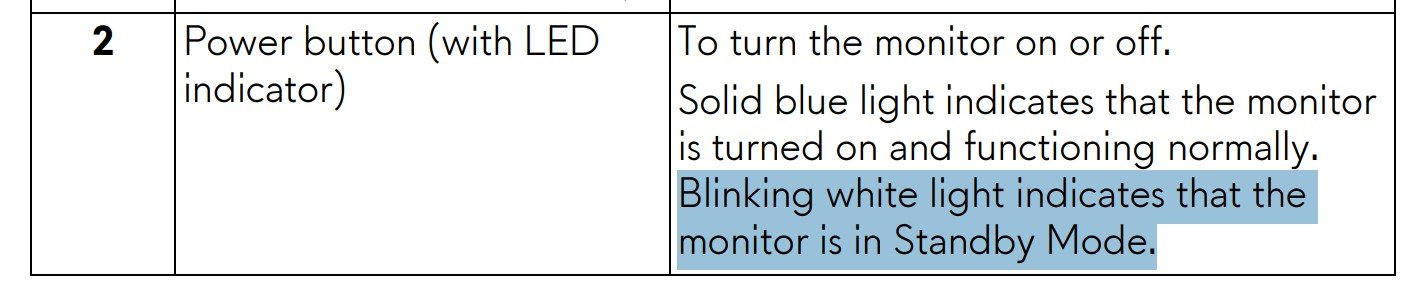
* Go to pages 55/56
* Menu--> AlienFX Lighting
* Go to Zone 3: Power Button
* Change to Off
user_7dfe15
1 Rookie
•
5 Posts
0
January 10th, 2026 07:53
@DELL- ChrisM2
No. It doesn't help. I've tried everything. I've used DisplayPort, USB B, and HDMI, only DisplayPort, only HDMI. I've turned off the light, pressed the AlienFX button, turned it on, and done what you wrote. Nothing helps. Why sell defective monitors? Tech support told me they'll replace it with a new one. Okay, but will I have to pay for shipping?
user_7dfe15
1 Rookie
•
5 Posts
0
January 10th, 2026 10:33
@DELL- ChrisM2 sorry. Do I understand how the monitor works correctly?
the monitor is on for example for 5 hours, in alienfx we turn off the Off in Standby Mode buttons (it's like the second one), I turn off the PC, pixels are cleaned for about 6-8 minutes and at this time the monitor button flashes, after these 6-8 minutes the button should not light up, right?
but.
here's how I have it:
the monitor is on for example 5 hours, in alienfx we turn off the Off in Standby Mode buttons (it's like the second one), I turn off the PC, and the button flashes (always until I turn on the pc , if I turn on the pc after 10 hours, then the button will flash for all these 10 hours) . this normal?
DELL-ChrisM2
Community Manager
•
741 Posts
0
January 10th, 2026 19:49
If still under warranty, Dell pays the shipping. If Tech support wants to exchange it, let them. If the replacement acts the same way than we know they are acting as designed.
user_7dfe15
1 Rookie
•
5 Posts
0
January 11th, 2026 01:16
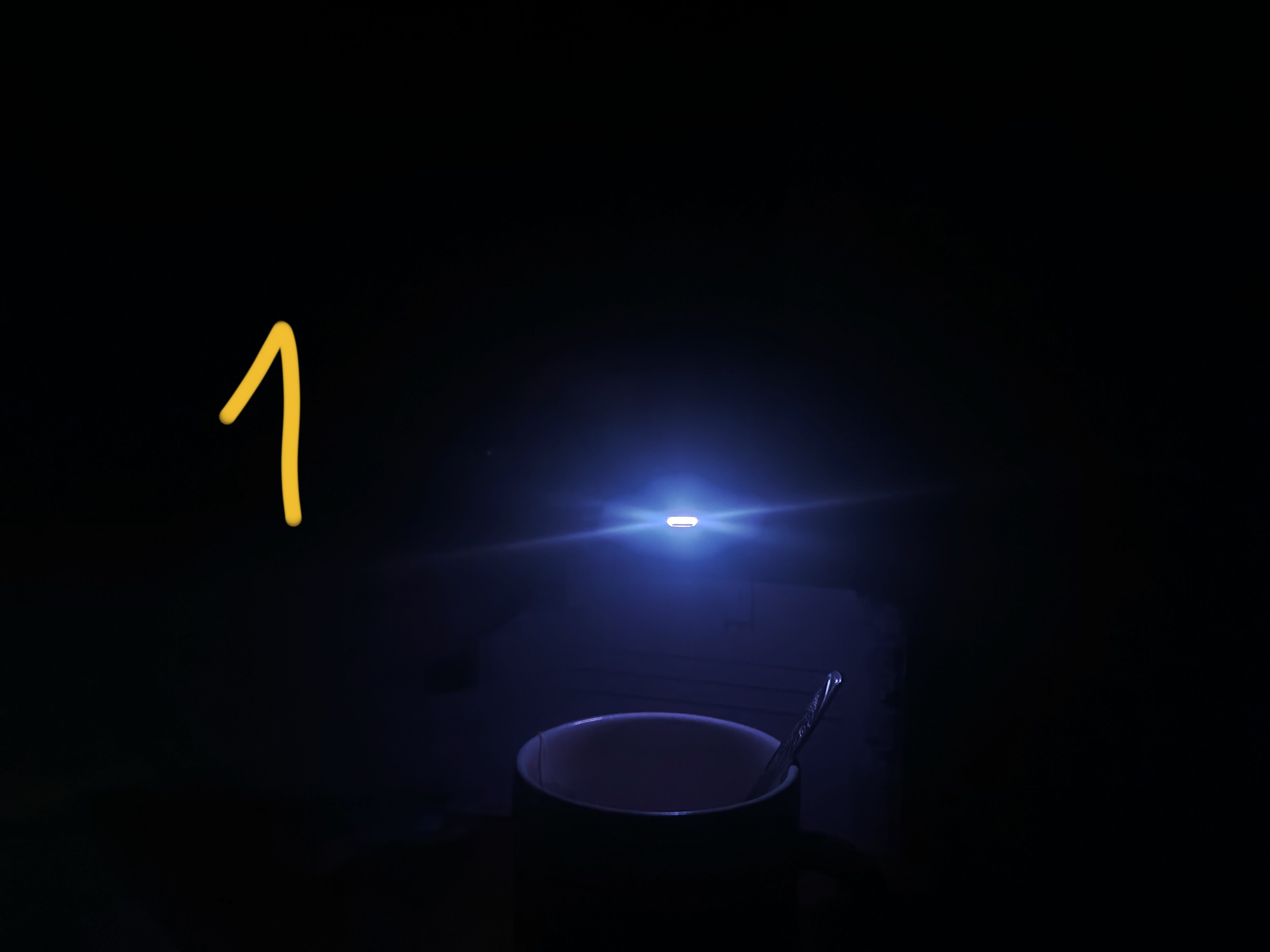
@DELL- ChrisM2 alienfx parameters off in dir. on : It's changed now. previously, the button was always flashing green (I'm colorblind, but the shade of white is blue-green). but I just turned off the PC and the button was flashing for about 6 minutes, the color is light green. after these 6 minutes, it flashes the same old color (a shade of blue-green-white). what is it? It's written somewhere in the documentation, what is it? two photos: 1 old color , 2 new, which lasted for 6 minutes.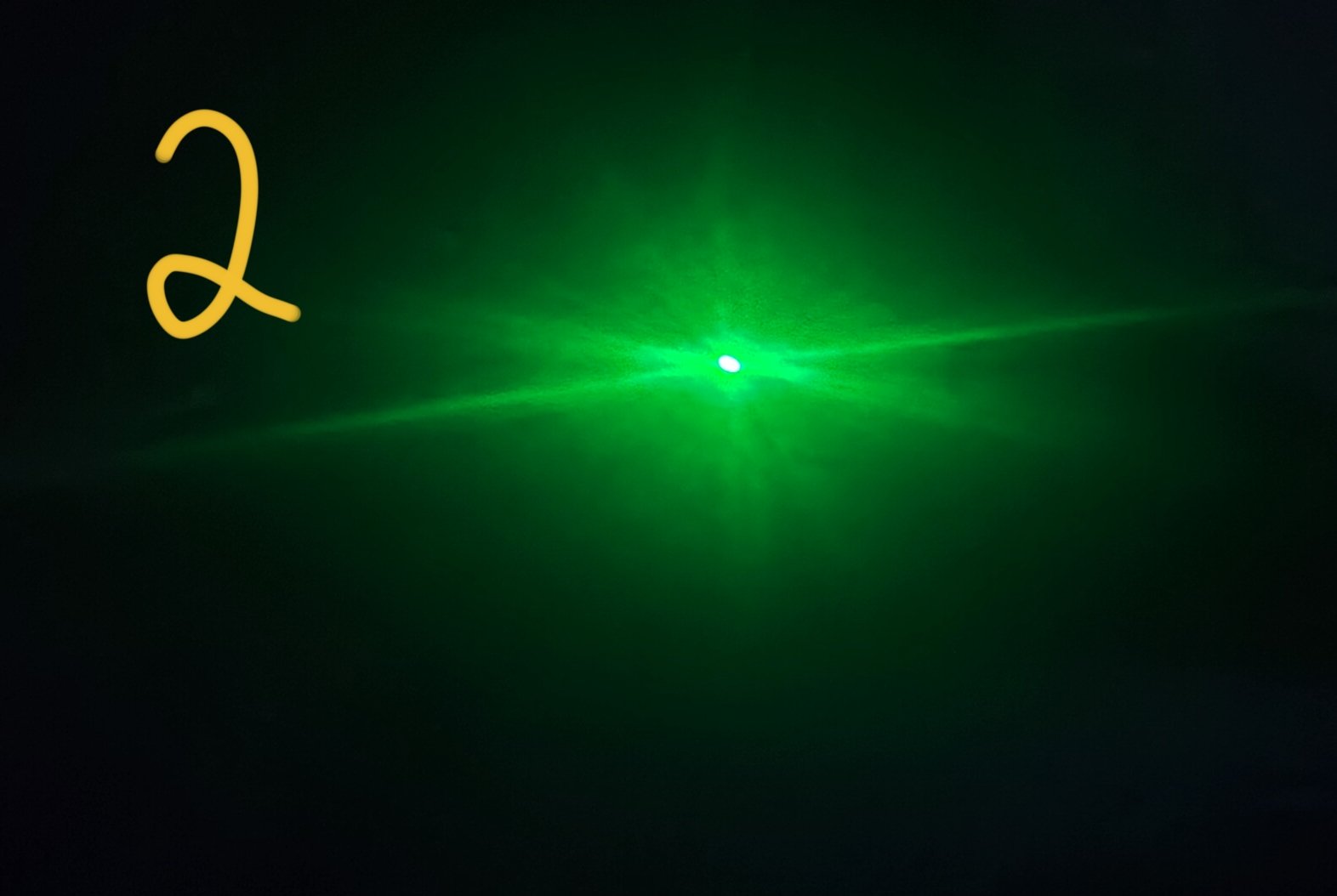
user_7dfe15
1 Rookie
•
5 Posts
0
January 12th, 2026 13:37
@DELL- ChrisM2 yes. all good.
off pc.
6 minutes green color.
next all time blue color.
problem not have.