

Unsolved
6 Posts
0
660
December 8th, 2022 08:00
AW3423DW, images changing
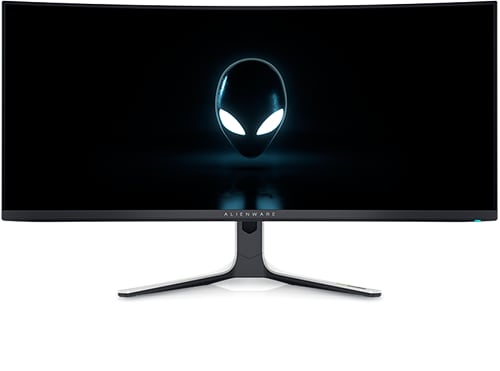
Alienware 34 Curved OLED Monitor AW3423DW
I just got the screen few days ago and there is something that bothering me .
On the frames of the screen in left side and right side, the sizes are different and its keep changing many times.
I add images to this post and you can see that there is a small amount of black on the left side that can show me screen space that not active.
And then after some gaming time its change and start using it but then its using less place on the right side. And then in other times its not using all not on left and not on right so the both sides looking equal.
I wonder if the screen is like that or there is some problem with my screen?
I hope I explained myself well since its a bit hard to explain it.


0 events found
DELL-Chris M
Community Manager
•
56.9K Posts
•
232.1K Points
0
December 9th, 2022 06:00
To receive assistance from Dell support agents, click the "Get help now" icon on the right. Share with them the private monitor Service Tag, 20 digit serial number, and all of your troubleshooting.
rosros
1 Rookie
•
88 Posts
0
December 9th, 2022 09:00
Are you talking about the pixel shift? The monitor does a slight shift as a burn in precaution--it is just a screen image and not content.
Vanadiel
8 Professor
•
7.1K Posts
•
29.6K Points
0
December 9th, 2022 09:00
It's pixel shift to prevent burn in.