

Unsolved
2 Posts
0
203
December 10th, 2022 06:00
Wd Blue 2tb
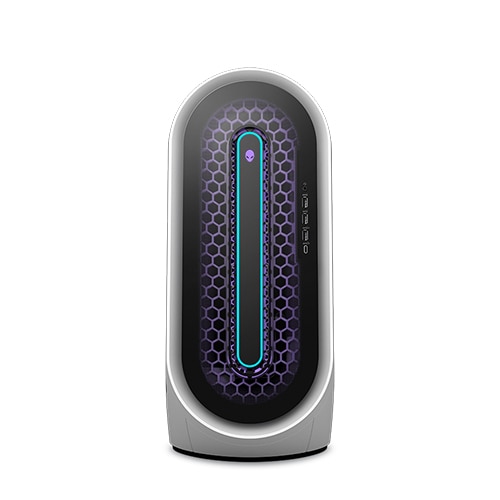
Alienware Aurora R13
Hi,
i have looked on the forum already and this is still not working. i installed wd blue 2tb hdd in my new pc and it is not being seen in windows or the bois. i have updated everything manually and used the scanning tools. they say there is not problem but there is. i have a hard drive installed that is not being seen at all.
i even tried to reinstall the bios but i get this error, Drive version fail!
and and all help would be great!
0 events found
No Events found!
sam55todd
2 Intern
•
243 Posts
0
December 10th, 2022 06:00
1) Have you tried the same drive on a different computer?
(just to confirm it's working, can even be tested in external USB enclosure).
if drive is indeed operational then:
2) make sure all cables (power and SATA data) are working fine
(can be tested by using a different drive, it should be detectable by the system)
third possible failure point option might be related to PC configuration:
3) SATA operations and relevant ports should be enabled in BIOS (if Alienware R13 has such selection).
rosros
1 Rookie
•
88 Posts
0
December 10th, 2022 07:00
I assume you have correctly installed the hdd. Does the hdd disappear after rebooting?
Next move the hdd down to the lower bay (the one for the 2.5 drive) and see if the hdd shows up. If it shows up, have bad sata connector on the upper bay. If the hdd still does not show up, it is the hdd built in software.
Hdd recognition has been an on-going problem with hdd mfgrs. Does not matter if Seagate, WD, Toshiba and there is no work around. Have to swap drives with the same company or use another brand until you find one that works.
I had problems with a Toshiba 4tb 3.5 drive disappearing after the computer goes to sleep and having to reboot for it to reappear. Toshiba acknowleges this being an issue and are working on correcting it. Toshiba sent me another drive, but it did not work also. I just went to an external hdd and it has been working great.
ProfessorW00d
4 Operator
•
2.4K Posts
0
December 10th, 2022 08:00
RAID vs. AHCI
Vanadiel
6 Professor
•
7.1K Posts
0
December 10th, 2022 12:00
Go into your BIOS, and switch HDD access from RAID to AHCI.