


Unsolved
1 Rookie
•
2 Posts
0
1632
September 12th, 2023 18:58
17 R4, PXE over IPv4 error on startup after failed Windows 10 fresh install
Alienware 17 R4
Couple weeks back, I attempted to do a fresh install of Windows 10 on a new SSD, needed more space so I bought a 1T drive. The new SSD was bad, computer didn't even recognize a drive. So, I had to put the old SSD back in until I can get another one.
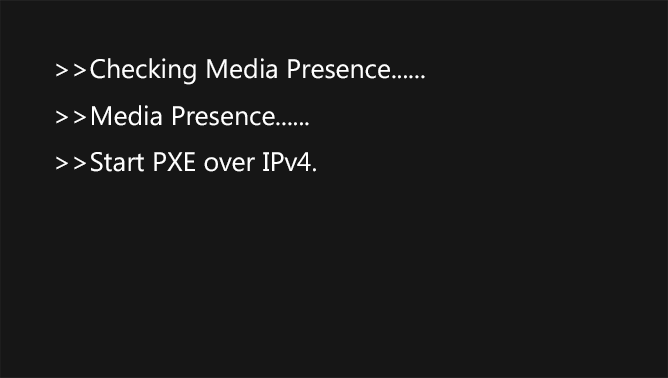
When doing the install, I changed in the bios to boot via USB. After the issue with the bad drive and putting the old one back in, I get the Start PXE over IPv4 error message on evert start up. I can restart, press F12, and then select Window Boot Manager, or hit ESC a couple times and am able to get Windows to boot. However, I really would like to know how to fix this issue.
Should I instead select Change Boot Mode Settings? Or something else?
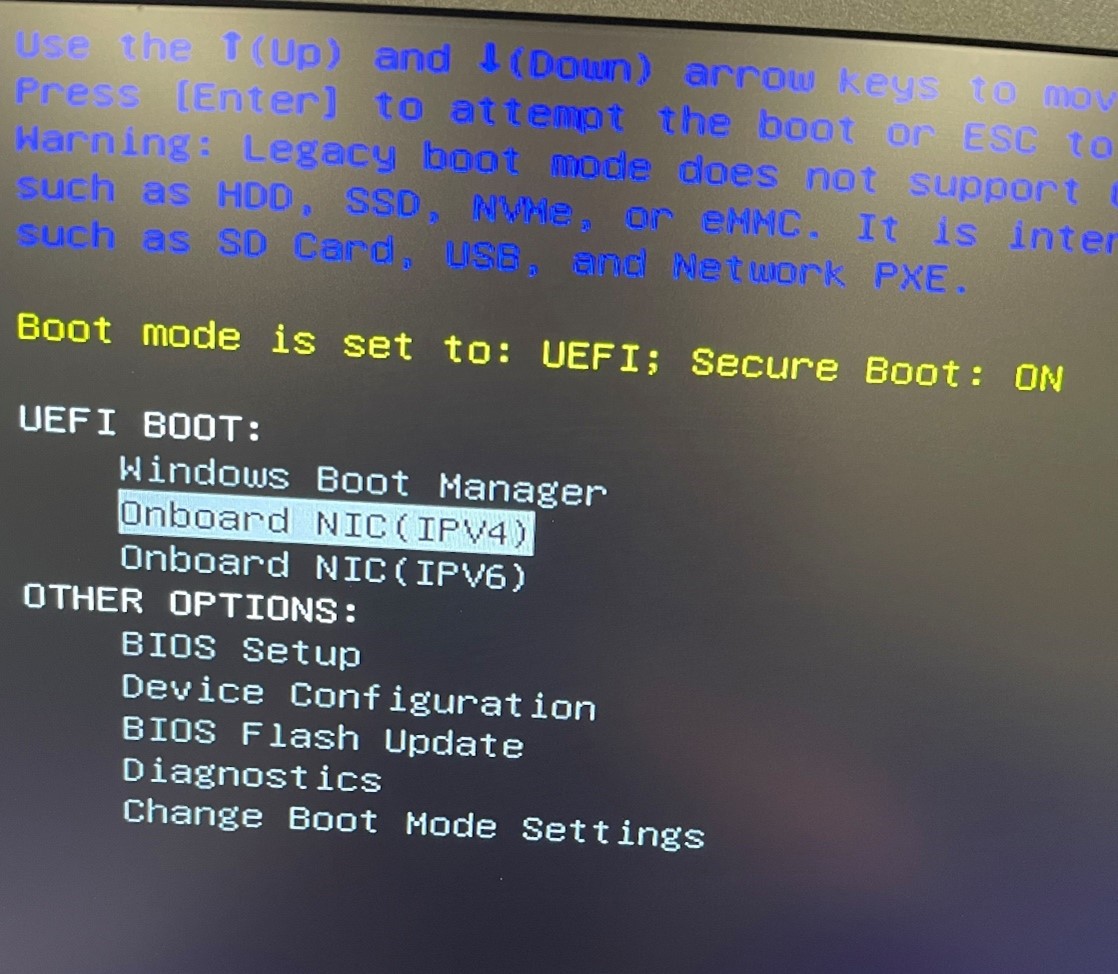
When getting that error, and then restarting again and pressing F12 a BIOS screen appears with the following listed (from memory b/c I did not take a pic):
UEFI BOOT:
Onboard NIC (IPV4)
Onboard NIC (IPV6)
Windows Boot Manager
OTHER OPTIONS:
Bios Setup (I THINK this is an option)
Device Configuration (cant remember if this was listed or not)
Diagnostics
Bios Flash Update
Change Boot Mode Settings
I do NOT remember anything note about secure boot being on, but the following image is almost exactly what I see when pressing F12:
Every article I find on this assumes that I can easily get into the BIOS menu and change things, however I'm only given the above. I have updated the BIOS as well, and that did not make any changes to fix the issue.
Thanks for the read and any information will be helpful.
JOcean
9 Legend
•
12.6K Posts
1
September 12th, 2023 22:16
Windows Boot Manager should be first in the BIOS boot list not last.
(edited)
carmattmom
1 Rookie
•
2 Posts
0
September 13th, 2023 23:14
UPDATE
Upon restart getting the error again, I pressed ESC twice, then from the UEFI Boot menu, I selected BIOS Setup >Boot > Highlighted IPV4, pressed Enter, Selected Windows Boot Manager, and it put the Windows Boot Manager first and shifted the other two down. F10 to save and quit and boot Windows up.