

Unsolved
1 Rookie
•
2 Posts
0
540
February 12th, 2023 14:00
m15 R7, U2421E, USB-C charging issue
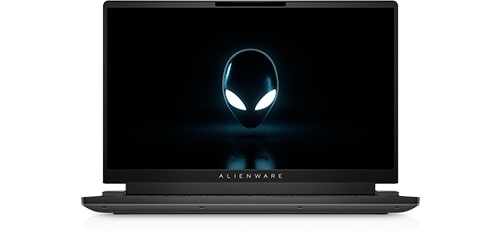
Alienware m15 R7
I have a setup using two Dell products that aren't making friends with each other.
A Dell monitor U2421 E that is connected via Type-C cable to my Alienware m15 R7 laptop.
Each time I boot my laptop while connected to the display the BIOS boots up to tell me that the type-c power is messed up and isn't providing as much as the laptop needs. It would be OK if the original Alienware charger wasn't connected at the same time to the display.
My guess is that the backend guys responsible for BIOS updates both for laptop and for the displays have to work on a new firmware that would allow automatic recognition of the power supply in place and cut off any other incoming power to prevent any circuit issues.
At least an option in the display and the laptop BIOS for manual disabling/enabling this functionality should be in place with the next update. Automated would be better, but manual still will work for me at least.
Thanks


0 events found
Jam31337
1 Rookie
•
2 Posts
0
February 12th, 2023 14:00
I've a MBP M1 14" connected via HDMI so I need to make sure the display won't kill the power input on my Alienware, if this information can help.
eagle17
4 Posts
0
May 22nd, 2023 06:00
I also have the m15R7 and the only way i can even get an external monitor to work more than a few days is by using the hdmi out port... I moved from an xps13 and that device never had an issue with dell docking stations but the alienware unit complains about external power and typically would bluescreen ever 30 or so hours. it would be great if dell could make a docking station to support multiple external monitors for the alienware laptops that did not try to charge through the usb-c port