

Unsolved
1 Rookie
•
5 Posts
0
196
November 21st, 2022 14:00
x17 R2, Desktop Windows Manager high GPU Usage
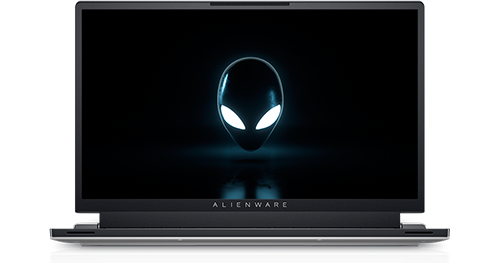
Alienware x17 R2
Hi, guys, do you have this issue in which Desktop Windows Manager “dwm.exe” is increasing your GPU usage and the fan speed when the laptop is not under load? I had this issue after I update my laptop x17 R2, and I encountered the same problem with my old one x17 R1. Do you have any idea how to fix it?
I tried reinstalling the graphic driver, updating it and running diagnostics, but still I could not fix it. One of the solutions is to turn off the graphic hardware accelerator setting which will drop the GPU usage on standby but not with much and this will result in more lag and fps drops and I don t know what to do.
No Events found!
John harper
2 Intern
•
346 Posts
0
December 1st, 2022 23:00
Desktop Windows Manager high GPU issues can affect Windows 10 as well as Windows 11 PCs. To start fixing it, you will need to update the graphics drivers and make sure there are no hardware problems. Modifying the personalization settings can also help you stop the high GPU usage of dwm.exe.
Hope this helps you,
John
Razvanu
1 Rookie
•
5 Posts
0
December 2nd, 2022 00:00
I did it and its not working…