


Unsolved
2 Posts
0
960
April 9th, 2023 12:00
Inspiron 16 7610, no Ethernet
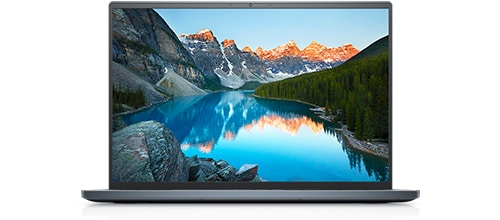
Inspiron 16 7610
No Ethernet connection showing in network connections, when I connected using type c doc (working tried in other pc). Model is Inspiron 16 7610. Tried enabling wwan, wlan in services, installed Intel network drivers, checked for driver update, reinstalled every network driver. Trouble shooted network. Is this model doesn't support Ethernet
No Events found!
AdrianG001
4 Operator
•
4K Posts
0
April 10th, 2023 01:00
In situations like these, if there is a wired Ethernet network available you can connect to it using the USB-A or USB-C port on your laptop and a USB to Gigabit Ethernet Adapter. Plug the adapter into your laptop's USB port and use a Cat5e/6 Ethernet patch cable to connect the RJ45 end to the network.