

Unsolved
1 Rookie
•
1 Message
0
791
March 16th, 2024 12:41
STOP CODE : INACCESSIBLE BOOT DEVICE
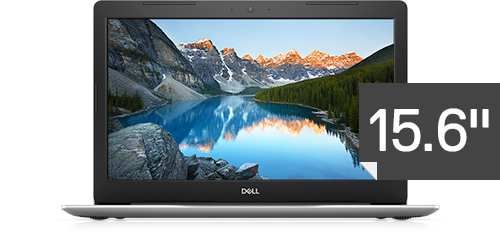
Inspiron 5570
STOP CODE: INACCESSIBLE BOOT DEVICE
Hi, yesterday i replaced new battery after power on, i getting this error upon start since yesterday. Basically i am unable to boot further DELL LOGO. Getting the message "YOUR PC RAN INTO A PROBLEM AND NEEDS TO RESTART. WE'LL RESTART FOR YOU" The same comes upon every restart and getting stop code: Inaccessible Boot Device.
Currently using DELL INSPIRON 5570.
I try to doing diagnostic test through command prompt, unfortunately i forgot my password. This situation what to do, please help me
No Events found!
XPS_Man
7 Practitioner
•
2.4K Posts
•
12K Points
0
March 16th, 2024 12:58
There is a chance that while removing the battery you may have disconnected/misplaced harddrive cable. So start your troubleshooting by RESEATING the hard drive (remove and reconnect)
Inspiron 15 5000 Service Manual | Dell US
Reboot to BIOS (F2). Check if your harddrive is getting detected in BIOS, if not RESEAT the hard drive. You can find hard drive info in BIOS > General>> Primary hard drive/m.2 SSD
If HDD is getting detected, please go to BOOT tab and set Window boot manager as priority.