

Unsolved
1 Message
0
138
December 28th, 2022 10:00
Touchpad Issues
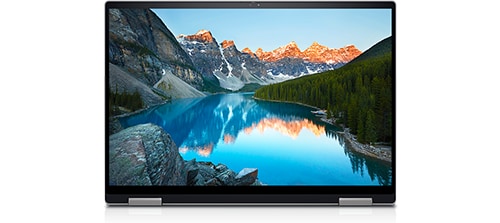
Inspiron 16 7620 2-in-1
I have also been frustrated by an erratically working touchpad. It started just a month or so after I purchased the Inspiron in July. I've had Dell and Best Buy Geek Squad work on this, both remotely and in person (Dell sent a tech to replace the membrane assembly and Best Buy reloaded the entire OS). So far, it works for a while, then starts the jerky, seizing act until I shut it down for awhile. Then it starts again, sometimes right away, other times in an hour or so. I'm told by Dell now that a new touchpad driver will be available sometime in January that will fix the issue. I'll believe it when I see it. In the meantime, I'll use an older laptop (
No Events found!
ieee488
6 Operator
•
11.1K Posts
•
38.4K Points
0
December 28th, 2022 12:00
I prefer a mouse.
You might want to give it a try.
AdrianG001
6 Operator
•
4K Posts
0
December 29th, 2022 00:00
Dell Touchpad not working? Here's how to fix it
Restart your laptop. You can first try restarting your laptop. ...
Turn on the touchpad with your keyboard. Some Dell laptop models let you turn the touchpad on or off when you press F9. ...
Check the touchpad settings. ...
Check the touchpad settings in BIOS. ...
Update your drivers.