


Unsolved
1 Message
0
132
July 13th, 2023 04:00
Latitude 3300 Touch screen not working after Windows 11 Pro installed
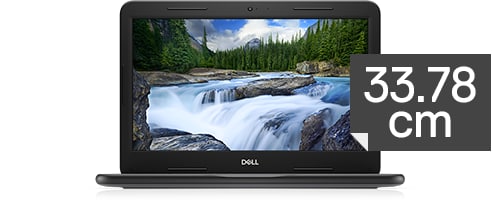
Latitude 3300
Hello,
I'm looking for help with my Latitude 3300. I installed new SSD in my device and installed Windows 10 Pro which I updated to Windows 11 Pro. All drivers are installed almost automatically. In device manager I found three conflicts which solved by installing latest chipset drivers. All looks good in device manager now.
Unfortunately my touch screen is not working. When I tick it it's not responding. I'm 100% sure it's not malfunction because when install my old ssd drive with old Windows 10 Pro - touch screen is working.
I think the problem is some driver missing or Windows 11 settings maybe. Could anyone point me to the solution for this problem?
Touch screen is installed in my opinion - in device manager in HID section it's available without visible problems and it's enabled. I also fully updated my Windows from Windows Updates and also updated BIOS to the newest version available on my product support site.
I'm really appreciated for all steps spointing me to solve my problem. And many thanks in advance for help, everyone!
DELL-Jesse L
Moderator
•
17.8K Posts
0
July 21st, 2023 06:00
Muzo2023
To receive assistance from Dell chat support, they need to verify the warranty status and ownership. Then you must troubleshoot with them. Click the "Get help now" icon on the right to start a live chat session.