


1 Rookie
•
1 Message
2
4585
July 23rd, 2023 02:00
Latitude 5420, HDMI out port not working
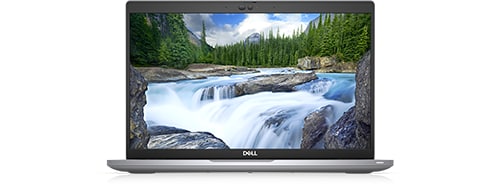
Latitude 5420
Hello,
I am recently facing an issue with connecting external display to my Dell Latitude 5420 using HDMI out port. The HDMI cable and the external monitor are working fine with any other laptop except for this one. When HDMI cable is plugged in, the Latitude 5420 detects it but doesn't show any picture on the external monitor.
I have tried all display settings (PC Screen only, Duplicate, Extend, and Second screen only) none of them worked.
I have updated the BIOS Firmware, installed a fresh windows on the Latitude 5420, and installed all drivers including Intel GPU Driver. but I am still facing the same issue.
On the external monitor it always shows no HDMI signal from your device.
Can anyone help me figure out the problem and how to fix it?
Many Thanks,
Bacel
DELL-Nat M
Community Manager
•
3.4K Posts
1
April 16th, 2024 12:39
Based on my initial assessment, it appears that this issue requires a motherboard replacement.
Please contact support by clicking the ‘Get Help Now’ button located at the bottom right corner of the page. The button is marked with a help icon for easy recognition as per the picture below:
(edited)
Zigoratuae
1 Rookie
•
12 Posts
0
August 27th, 2023 15:02
Hi
I have same problem on same model, Latitude 5420
If I connect laptop to a 4K monitor, it works but not on any Full HD monitor.
I tried all updates on software and drivers but no effect.
Need help from Dell really
Zigoratuae
1 Rookie
•
12 Posts
0
September 5th, 2023 12:34
No reply from Dell ?
harrynot
1 Rookie
•
1 Message
0
September 8th, 2023 13:45
We had a similar issue with Latitude 5420 and 5430 connecting to certain older large monitors (Ctouch and Samsung).
On monitor changing "HDMI EDID" from 2.0 to 1.4 solved the issue.
Hope this helps.
--
harrynot