

Unsolved
1 Rookie
•
1 Message
0
105
June 4th, 2023 21:00
Low Battery Notification not working
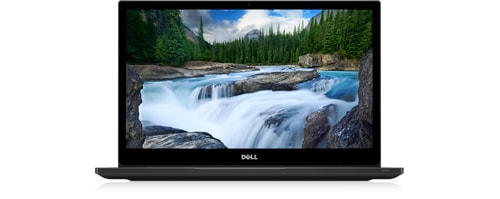
Latitude 7490
Normally, when one uses a Windows 10 laptop, there is a prominent, middle-of-the-screen low battery warning that displays when the battery is below a certain user-set threshold. However, that doesn't happen to my battery, whether it's at critical or low battery, and the computer just shuts off (or, more accurately, hibernates) without warning. I've already set battery notification warnings to On within my Windows settings, and appropriate thresholds (5% critical, 10% low when plugged in, 15% low when on battery), and the notifications still won't pop up.
I remember actually receiving notifications a long time ago, but honestly, I can't remember the exact time this started happening.
Any ideas on fixing this?
No Events found!
filbert
6 Operator
•
1.8K Posts
0
June 5th, 2023 07:00
I don't know if this will make a difference, but do this:
Taskbar settings, | Notification area | Turn system icons on or off | enable: Power
If Power is already enabled, disable it and then re-enable it.