

Unsolved
1 Rookie
•
1 Message
0
487
March 7th, 2024 23:26
Windows 11 Install Stuck
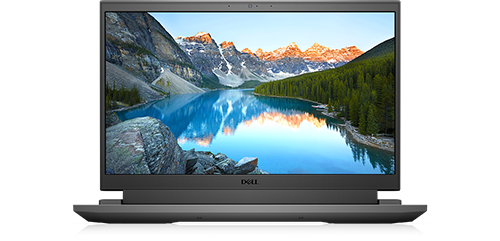
Dell G15 5510
My Dell G15 5510 crashed the other day and then got stuck in a startup loop.
I’ve run diagnostics and they all pass. Replaced the SSD thinking it was corrupted somehow, but get the same spinning circle when booting Windows setup from USB. This eventually crashes with blue screen and message “DRIVER PNP WATCHDOG”.
Managed to install Linux Ubuntu with no issues.
Any ideas how to get Windows to reinstall?
No Events found!
robert1997b
1 Rookie
•
1 Message
0
May 4th, 2024 06:01
Make sure your BIOS is up to date. Visit the Dell support website and download the latest BIOS and chipset drivers for your Dell G15 5510. If possible, change the SATA operation mode in the BIOS from AHCI to IDE or vice versa. This can sometimes resolve compatibility issues. Try installing a different version of Windows, such as Windows 10, to see if the issue persists. ADPWorkforceNow If Windows 10 installs successfully, you can consider upgrading to Windows 11 from there. Although the diagnostics passed, there might still be a hardware component that’s not fully compatible with Windows. If you have any external devices connected, disconnect them during the installation. f the issue continues, it would be best to contact Dell support for further assistance, as they might provide model-specific guidance or a firmware update that could resolve the issue.
(edited)