Solved!
Go to SolutionG
Gabriel_Zeal
16 Posts
0
7983
May 13th, 2013 21:00
Question about a dust problem
Hi guys, good evening.
I have a Vostro 3550 notebook for around one year and a half, and recently it's been heating up more than usual.
I'm pretty sure it's dust building up inside of it, so I've been meaning to take it to some PC store where they could clean it, but all of them expect me to leave the notebook there for several days and I cannot afford to do that right now. So I'm thinking of trying to clean it myself. But in order to do that safely, I have a few questions:
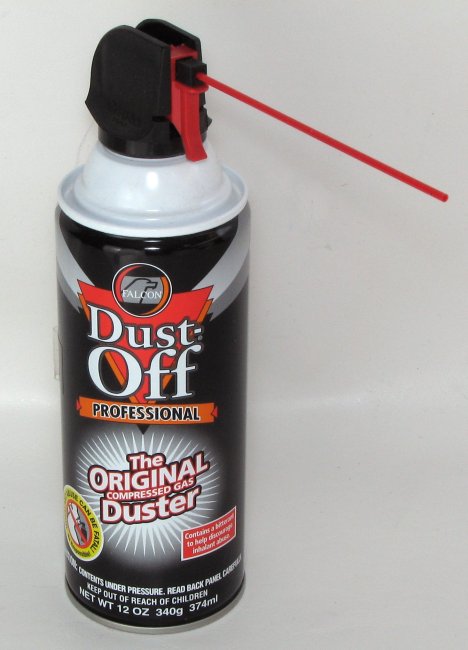
First of all, I've read in several places that the right tool for that is canned compressed air (like this http://www.bmpt1.com/tutorialimages/IMG_4375b.JPG), but I've also read sometimes that compressed air is dangerous for the machine. I believe it is safe, but I figure it's best to ask: can it actually harm anything inside the computer, or is it really safe to use? Is there anything specific I should look for?
Second thing is, in some of the videos I watched, the person didn't even open the notebook, blowing the air only on the vents instead. Is this efficient enough? I mean, does that really take the dust outside somehow?
Finally, I'd like to know about the thermal paste too. Is there any way to know when I should change it? It seems to be a somewhat more delicate process so I'm kinda wary of doing it by myself, but if I could try it if necessary. I game a lot, so my cpu tends to stay around 75~80ºC for quite some time.
Sorry for the long post, but I really have to get this done. Thanks a lot!