

Unsolved
This post is more than 5 years old
2 Posts
0
12603
September 29th, 2009 11:00
Studio 1737 Screen Issues
Hi,
I got a brand new Studio 1737 for my 18th Birthday in July, since then I've noticed that the screen often blurs and goes fuzzy when running applications that require even the most basic graphics (Solitare for example).
I called Dell, and they picked up the laptop, only to return it a week later saying nothing was wrong with it. Its still blurry.
Since then, I've installed Windows XP and Linux (Xubuntu and Ubuntu) and the screen works fine. I've got it running Windows 7 now, and its fuzzy again, its getting really frustrating. Any ideas of what to do?
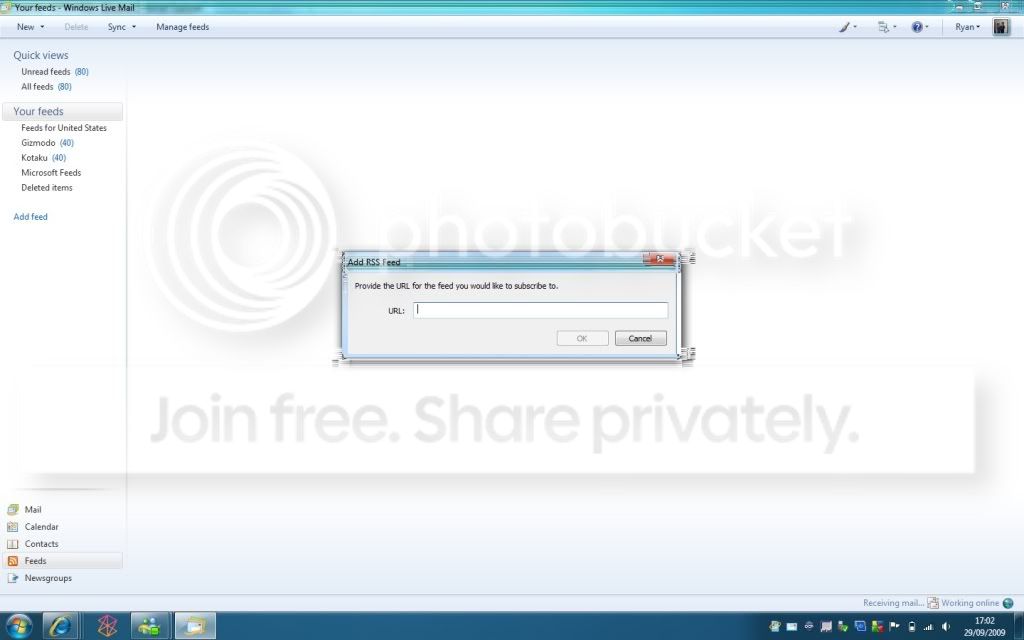
Here's a screenshot, its normally worse than this. Will upload more pics if needed.
http://i574.photobucket.com/albums/ss182/DjFlin/ScreenProblems1.jpg
bunkr
2 Posts
0
October 7th, 2009 00:00
Same issue here.
I remember sifting through some forums a few months ago when I first installed Windows 7 and found a person who resolved the issue by swapping out the 1gb stick of ram, with a 2gb, giving the system 4gb overall.
I assume yours also has 3gb of ram?
I will be picking a stick up this week, as this issue is really starting to annoy me.
DjFlin
2 Posts
0
October 7th, 2009 04:00
Thats interesting. I've been browsing around and it seemed more apparent that the chipset wasnt fully compatible with Vista & 7.
I've since installed XP and its running beautifully.
Yeah, I've got 3 Gigs.
How much did the 2GB stick cost?
bunkr
2 Posts
0
October 7th, 2009 08:00
Around $35 from any large online retailer (ie newegg,com).
I will post my results when I've picked it up and installed. ;)
dejansh
4 Posts
0
March 11th, 2011 20:00
Normal 0 false false false EN-US X-NONE X-NONE
Hey guys,
After researching the internet for months, I have finally found a solution to this problem. Go to the Intel website http://downloadcenter.intel.com/Detail_Desc.aspx?ProductID=3246&DwnldID=18631 and download/install the drivers listed.
The drivers at this link are older drivers for the graphics card which work and you are not going to have the problem anymore. The actual problem is happening because Windows 7 is not compatible with your computer which has 3gb of RAM. You can downgrade your RAM to 2gb or upgrade it to 4gb, none of them ideal….or just download and install the older drivers listed at the link ;).
Make sure you do NOT install the newer graphics drivers when running your regular Windows Upgrade process. Because if you do, you will have the same problem again….and you will have to download/install these older drivers again.
I have seen over 30 threads on the Dell web community web, and at least 50 external threads/blogs on the internet (thousand of users – literally). None of them giving the actual solution. But here I’m finally solving your problem Dell. You are welcome…I’ll take a free laptop for the favor, you have my info.
ryanoflin
2 Posts
0
March 12th, 2011 06:00
Wow, its been a long time since I worried about this. (I'm DjFlin, forgot my password and made a new account since I'm super lazy)
In the end I upgraded to 4GB of RAM to solve the problem, but I'm downloading your link as I type.
Since upgrading to 4GB, the windows system properties has always said "4GB (2.93GB Usable)"
Do you think these drivers will help with that?
Thanks a bunch either way :D
ejn63
11 Legend
•
87.5K Posts
•
321.3K Points
0
March 12th, 2011 10:00
You'd need a 64-bit operating system to use all 4G of RAM.