


Unsolved
1 Rookie
•
1 Message
1
573
November 1st, 2023 14:48
U4323QE, toggle between PBP und full screen mode via hotkey or CLI
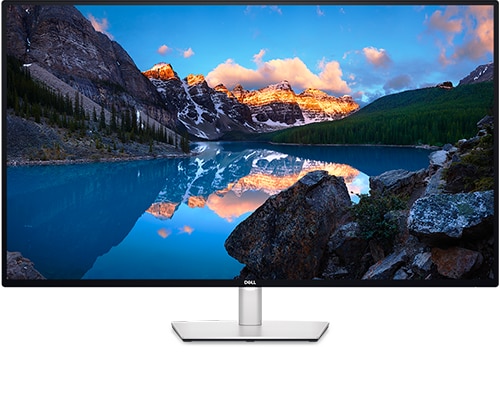
Dell U4323QE
Hello together,
I've connected two laptops to the monitor. One via USB-C, the other via DP and USB-C upstream. Standard configuration is PBP 50%/50% vertically split. When I want to switch to full screen mode, I have to open the Dell display manager and select PBP off, or use the button on the back of the monitor to toggle the mode. I've tried any of the available hotkeys, but none turns off PBP. Even when I turn off one laptop, the monitor stays in PBP. I also tried to use the command line interface using the 'Zoom' command. The logfile says 'Ok' but nothing happens.
Has anyone found a solution how to turn off / toggle between full screen and PBP mode?
Thanks


No Events found!
WRAPradio
1 Rookie
•
1 Message
1
December 26th, 2024 17:15
I've a U4025QW and I'd love if there was a hot key to toggle PBP on and off, has anyone found a solution for this?