

6 Posts
0
319
November 17th, 2022 01:00
Problem with my PC
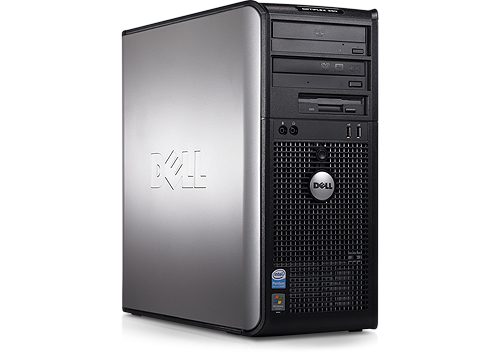
OptiPlex 760
My optiplex runs through multiple number combinations, before settling on the 1-4 number combination on a solid green power button light for a good 2 seconds before I turn it off, because I’m scared of loud noises and I know dell computers make loud beeps when the motherboard fails. What is a possible solution?
No Events found!
fireberd
11 Legend
•
33.4K Posts
•
112.8K Points
0
November 17th, 2022 07:00
1-4 is system board (motherboard) failure. But first try a CMOS memory clear. Power off and remove AC power cable from power supply. Open case and locate the CR2032 coin cell battery on the motherboard. Remove the battery, wait 5 minutes and install a NEW battery.
If this doesn't help then the motherboard is likely toast.
redxps630
11 Legend
•
15.9K Posts
•
81.7K Points
0
November 17th, 2022 08:00
760 service manual shows 1,4 is power connector not connected.
replace battery is good idea for old model. Also check 24/4 pin connectors securely plugged in motherboard. No worries of beeps.
https://dl.dell.com/manuals/all-products/esuprt_desktop/esuprt_optiplex_desktop/optiplex-760_service%20manual_en-us.pdf#page161